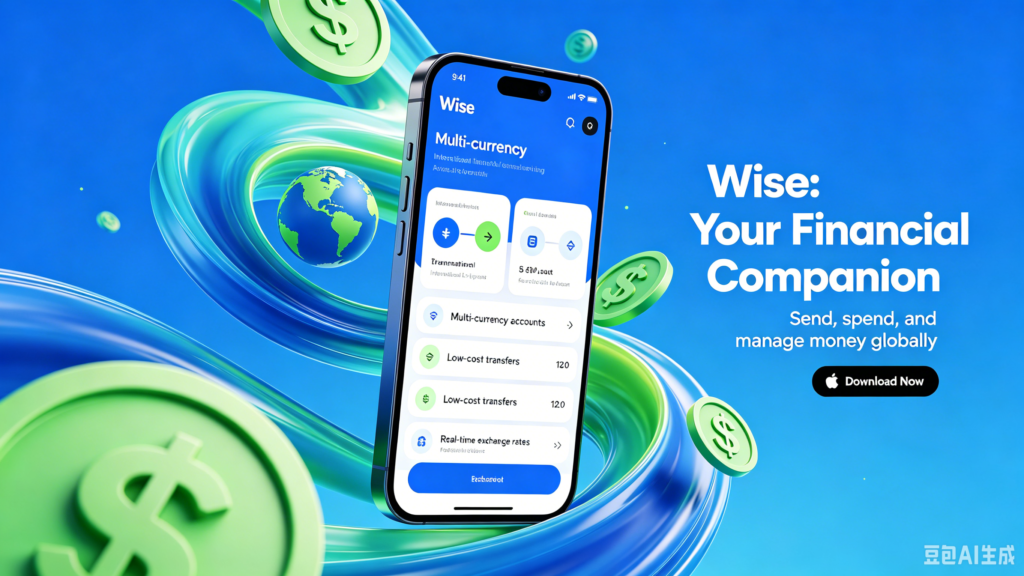
Wise는 저렴한 해외 송금과 다중 통화 결제 관리를 지원합니다.

IOS:‎Wise – 转账留学缴费投资理财 App – App Store

Android:Wise: International Transfers – Apps on Google Play

Wise is a global fintech app for low-cost international money transfers and multi-currency management. Its core feature is fast, transparent transfers to 70+ countries at the real mid-market exchange rate, with no hidden fees. Over 65% of transactions arrive in under 20 seconds. The multi-currency account lets users hold, convert, and manage 40+ currencies at competitive rates. A Wise debit card enables spending and ATM withdrawals in 160+ countries, auto-converting currencies when needed. Users can receive payments via local bank details (UK, EU, Australia, etc.) and set exchange rate alerts. With strong security (2FA, encryption) and multi-language support, Wise is ideal for expats in China to send money abroad, receive overseas payments, and manage global finances efficiently。

Wise (International Money Transfers and Currency Exchange) User Guide

1. Download and Registration Verification

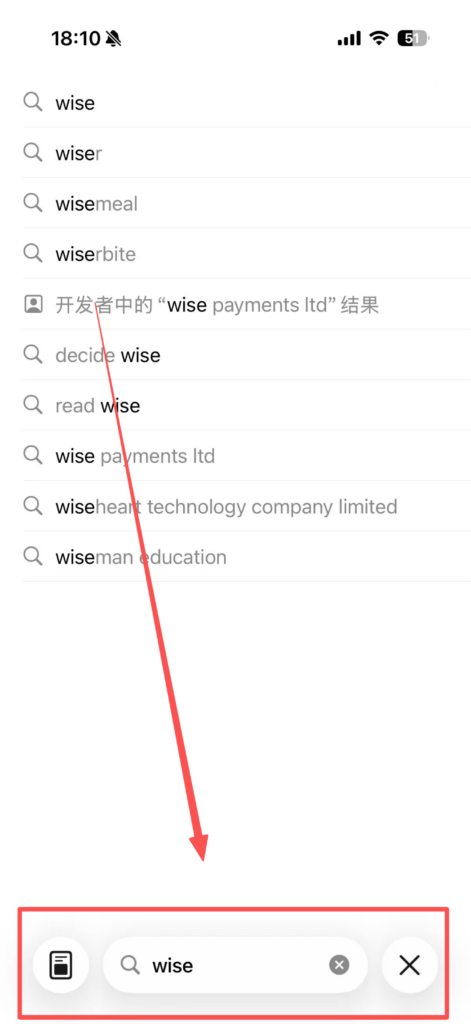
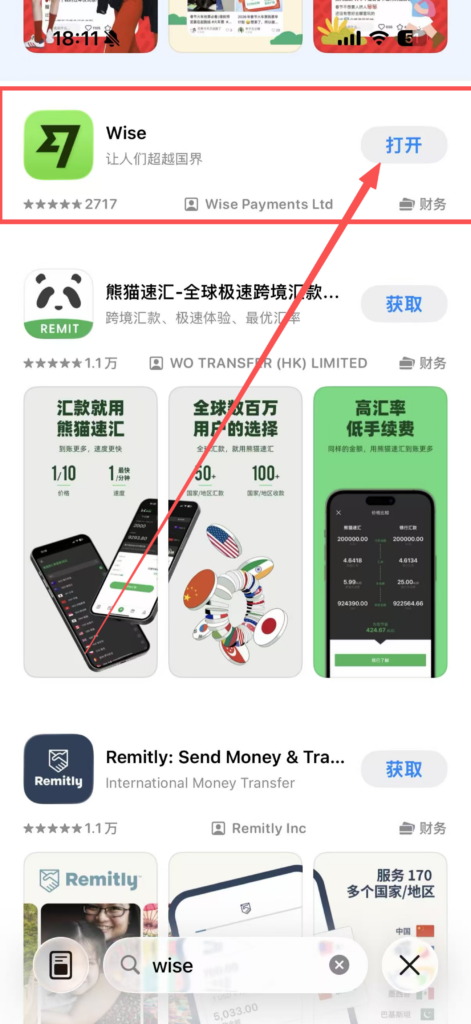
Download and install: Android users (Google Play), iOS users (App Store) search for “Wise”, download and install.

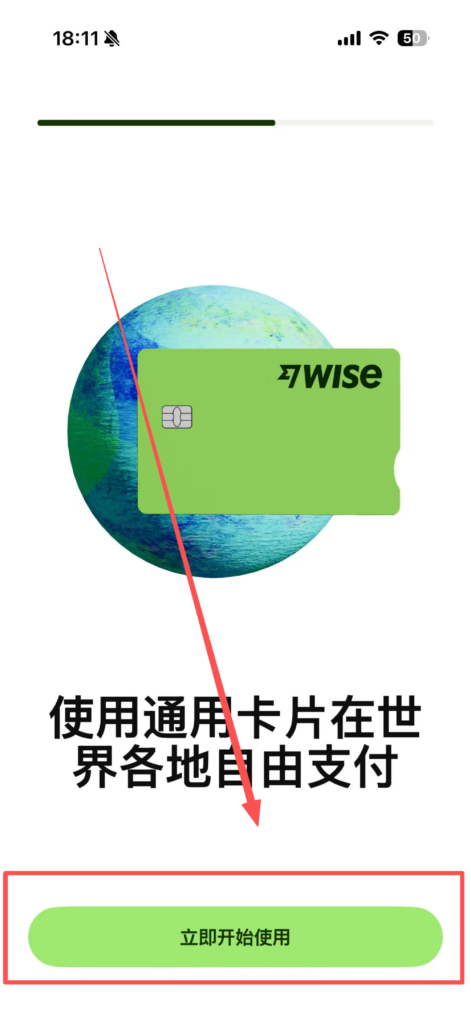
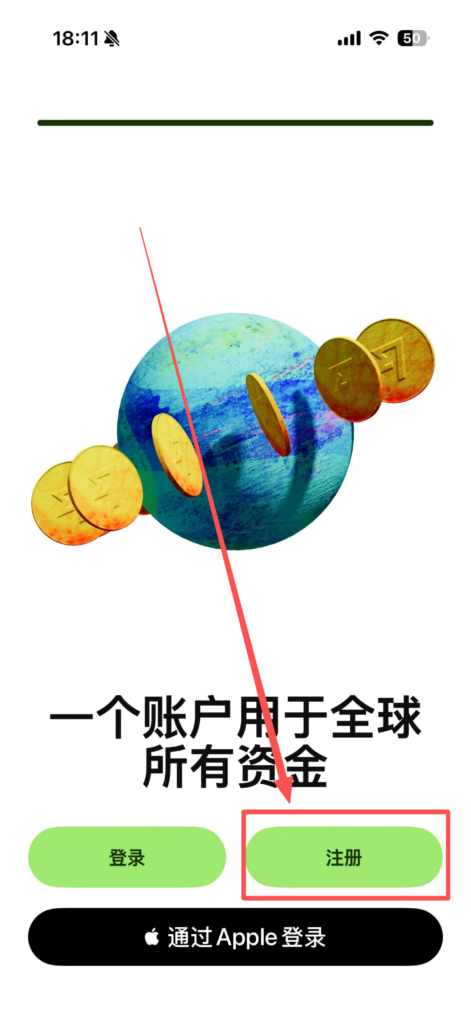
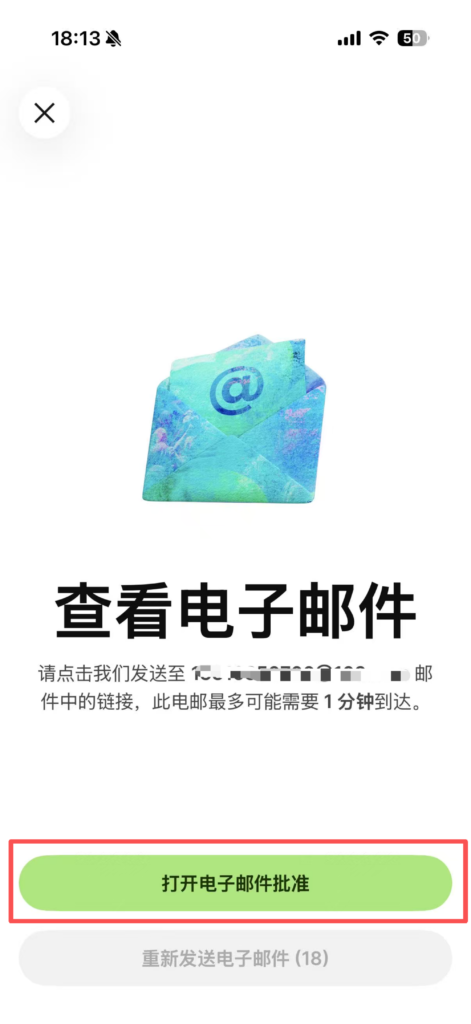
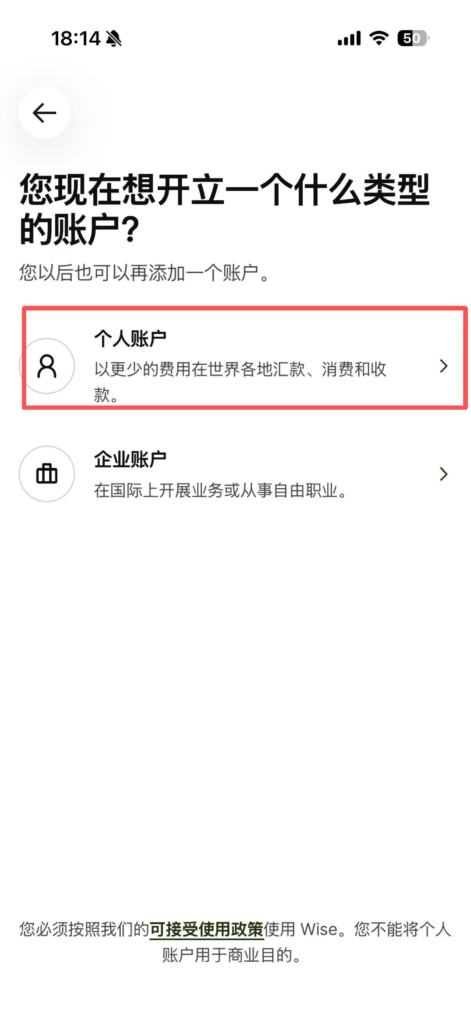
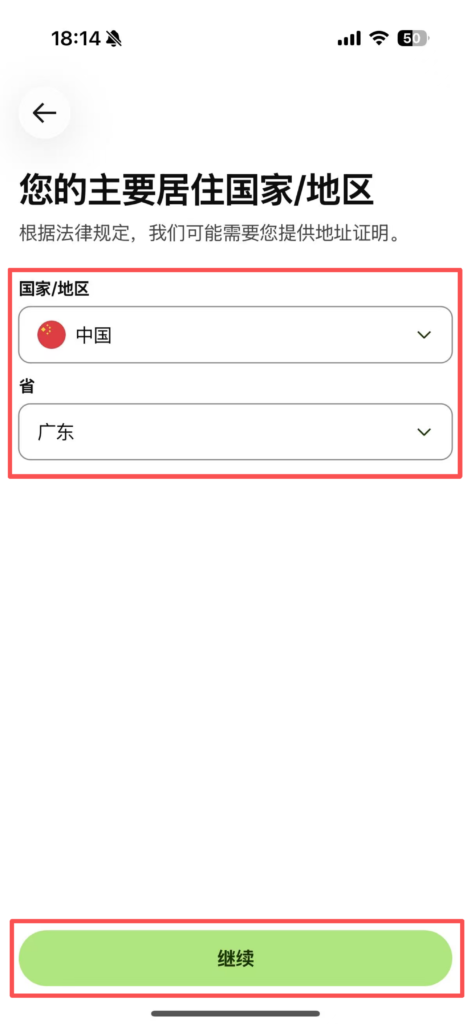
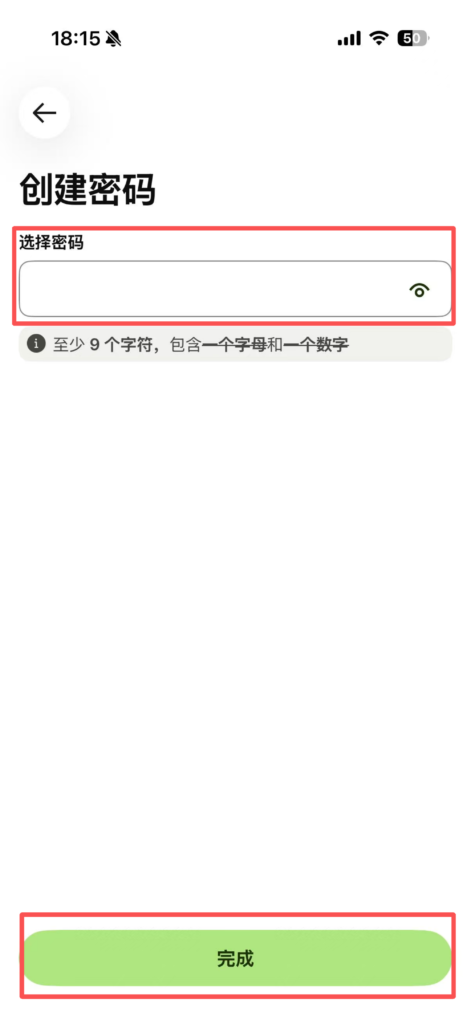
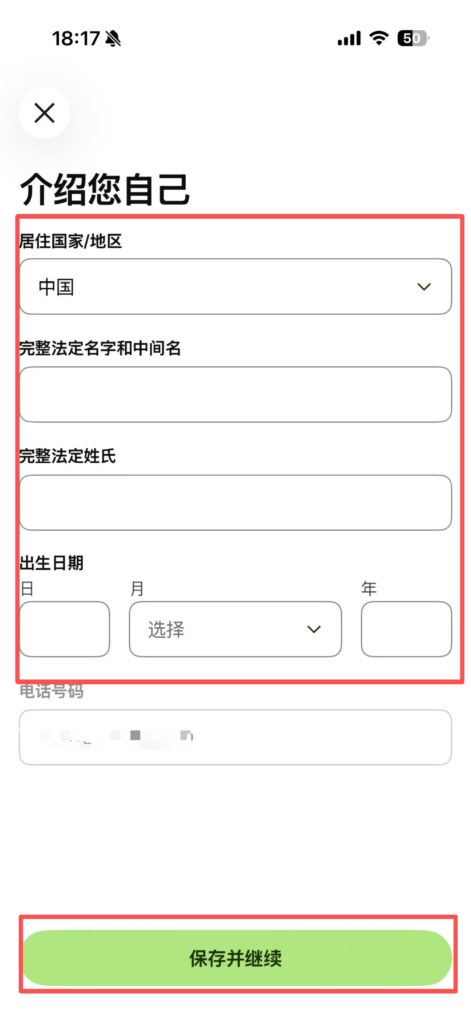
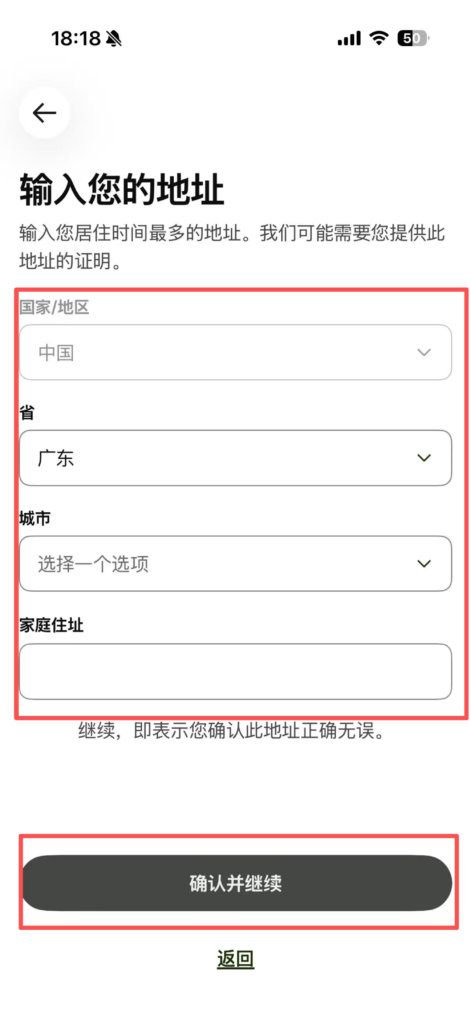
Registration Process: Open the APP, click “Sign Up”, enter your name, email, and phone number, set a password, and complete the initial registration after verifying your phone number; identity verification is required (upload a photo of your ID card/passport, some users need to record a face video), and it will be approved within 1-2 working days after submission.

Bank Account Addition: After approval, go to ‘Accounts’, click ‘Add a bank account’, and add your own bank account information (bank card number, bank name, Swift code; domestic users need to fill in UnionPay information). Multiple country bank accounts can be linked.

2. International Remittance Operation

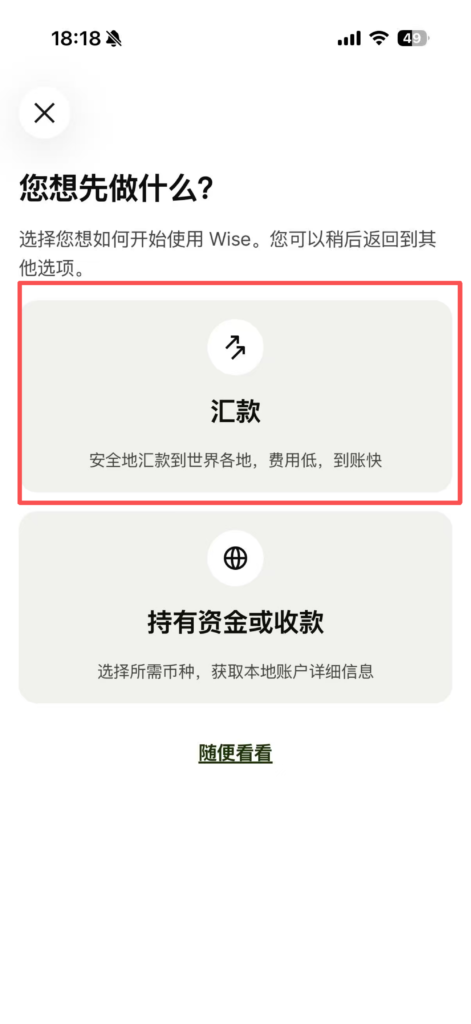
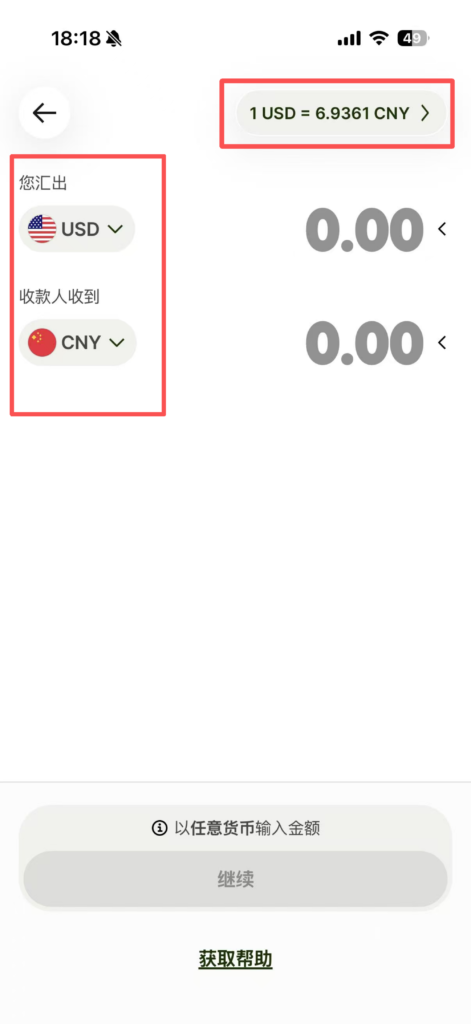
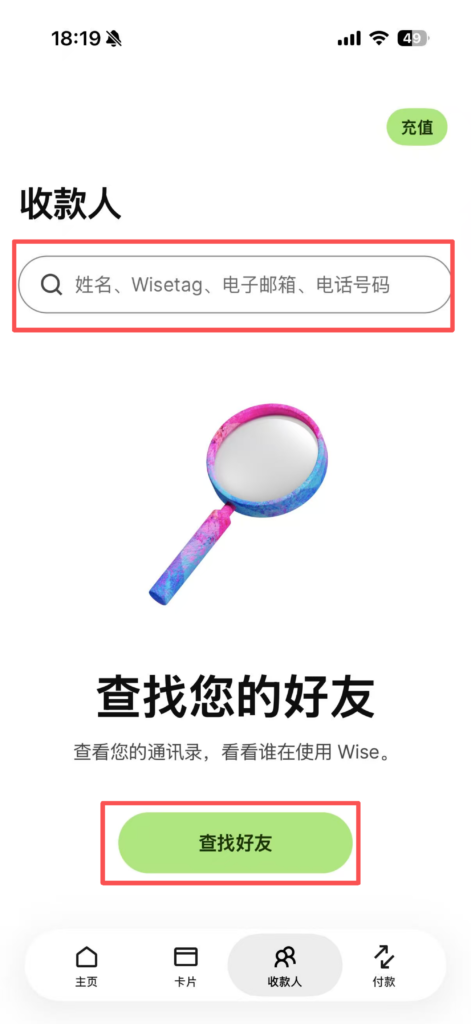
Initiate Remittance: Click “Send money,” enter the remittance amount (supporting entry in either the source or target currency), select the target currency (such as converting RMB to USD, EUR, etc.), and the system will display the real-time exchange rate (no hidden markup) and fees.Recipient Information: Fill in the recipient’s account information (name, bank card number, bank name, SWIFT code / IBAN code, which must match the recipient’s ID), supporting the option to save frequently used recipients for direct selection next time.

Cost Confirmation: Check the total remittance cost (remittance amount + handling fee), with the exchange rate locked for 15 minutes during which the rate does not change; the handling fee is displayed transparently (as a proportion of the remittance amount + fixed fee), more favorable than traditional bank transfers.

Payment method: Choose a payment method (linked bank account transfer, credit card, debit card) and follow the prompts to complete the payment; large transfers are supported, but some areas have transfer limits (can be viewed in ‘Limits’).

Plan Your Trip Now

Description: This section includes resources and tools that help students succeed in their studies and enjoy daily campus life.
Suggestions:

Description: This section assists individuals living in China to perform better in their work and daily life. Suggestions:
Description: This section includes resources that help business travelers with procurement, cross-border payments, and store management. Suggestions:

지금 여행을 계획하세요

설명: 이 섹션에는 학생들이 학업에서 성공하고 캠퍼스 일상을 즐기는 데 도움이 되는 자료와 도구가 포함되어 있습니다.
추천:

설명: 이 섹션은 중국에 거주하는 사람들이 업무와 일상생활을 더 잘 수행하도록 돕습니다. 추천:
설명: 이 섹션에는 비즈니스 여행자가 조달, 국경 간 결제, 매장 관리를 하는 데 도움이 되는 자료가 포함되어 있습니다. 추천: