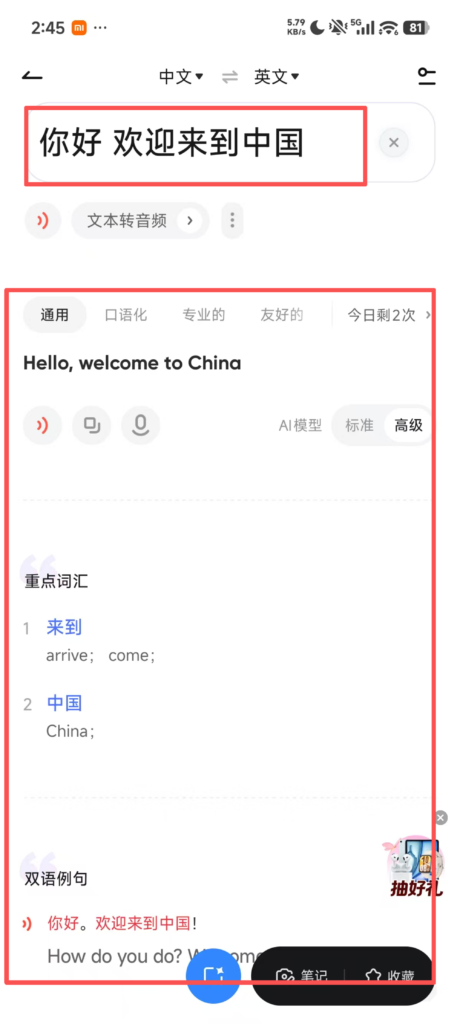

Wangyi Youdao Translate is a popular all-round multilingual translation app developed by NetEase, widely used by foreigners living and traveling in China. It supports over 109 global languages for instant text translation, equipped with authoritative licensed dictionaries including Oxford and Collins for precise word explanations and native pronunciation playback. Highlight core functions cover OCR photo translation for menus, street signs and documents, real-time voice dialogue translation for offline daily communication with locals, and AI simultaneous interpretation suitable for business meetings and guided tours. It provides offline language packs to enable translation without mobile data, plus AI document translation preserving original file layout for contracts and papers. Built-in English writing correction and vocabulary learning tools further assist users in language improvement, serving as an indispensable communication tool overcoming Chinese language barriers for inbound visitors.
Wangyi Youdao Translate User Guide
1. Download and Install
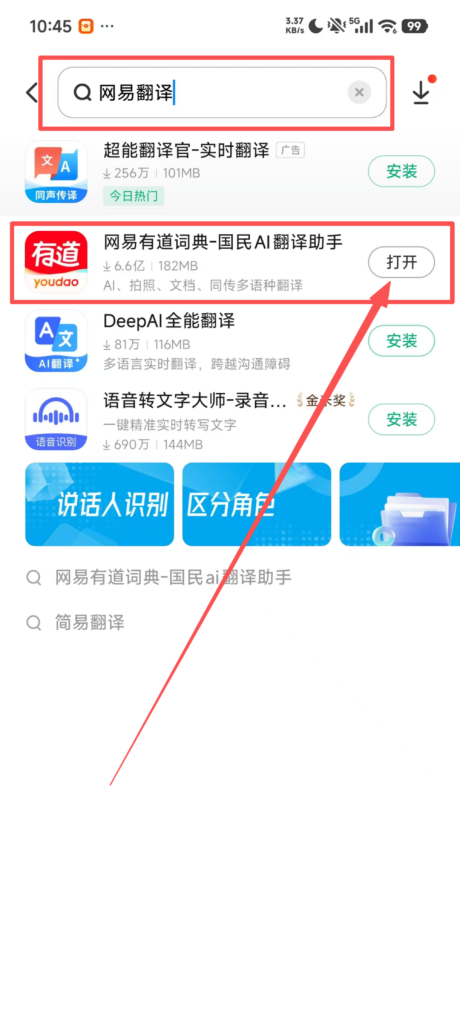
Search for Wangyi Youdao Translate / Youdao Translate Officer in the mobile app store and install it.
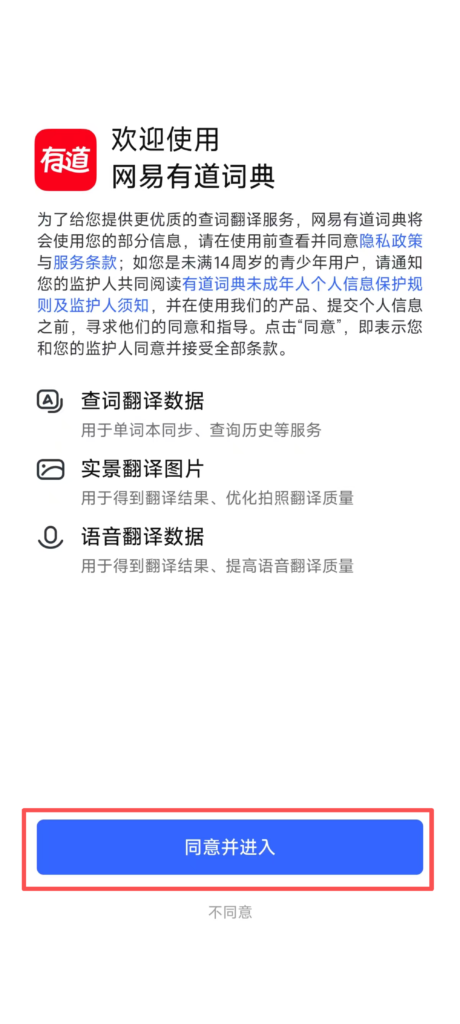
After opening, agree to the privacy agreement and allow camera, microphone, and storage permissions (required for photo/voice translation)
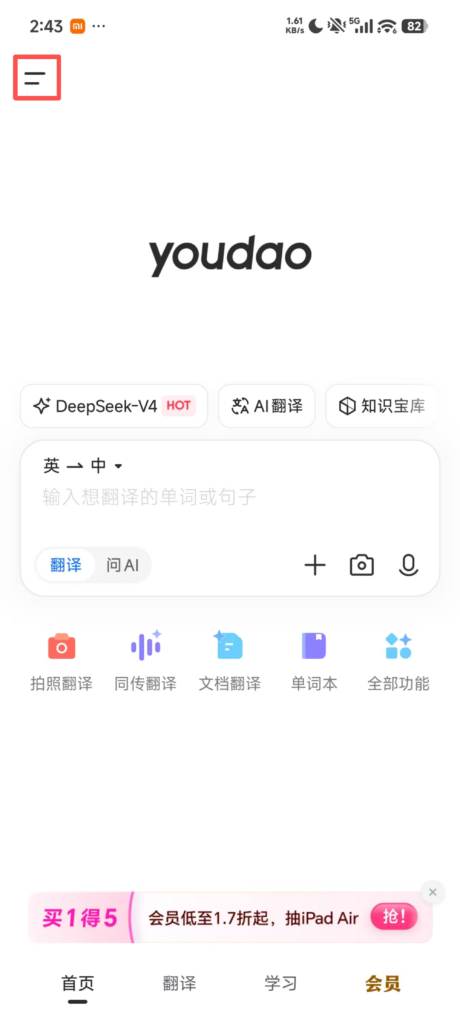
2. Registration / Login Steps
Open the App → Top left icon → Login / Register at the top
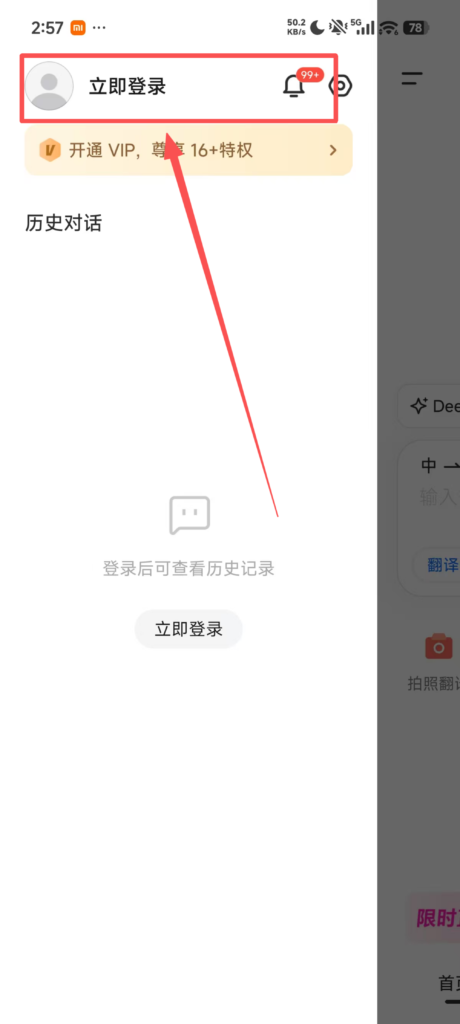
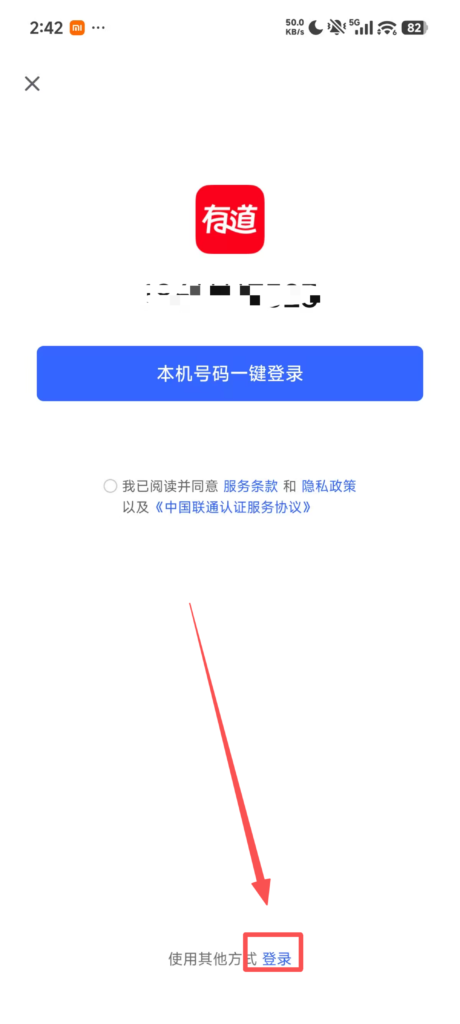
Four login methods to choose from: direct login with NetEase email, login with phone number, one-click quick login with WeChat / QQ.
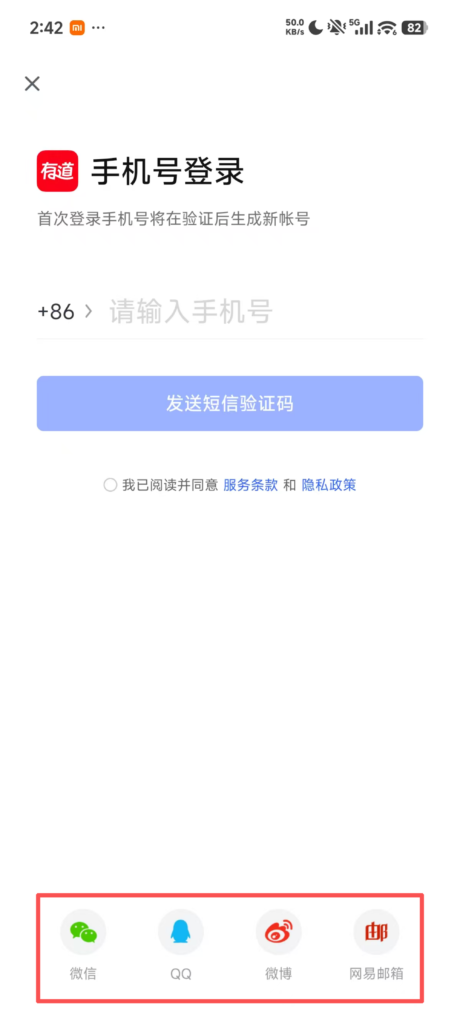
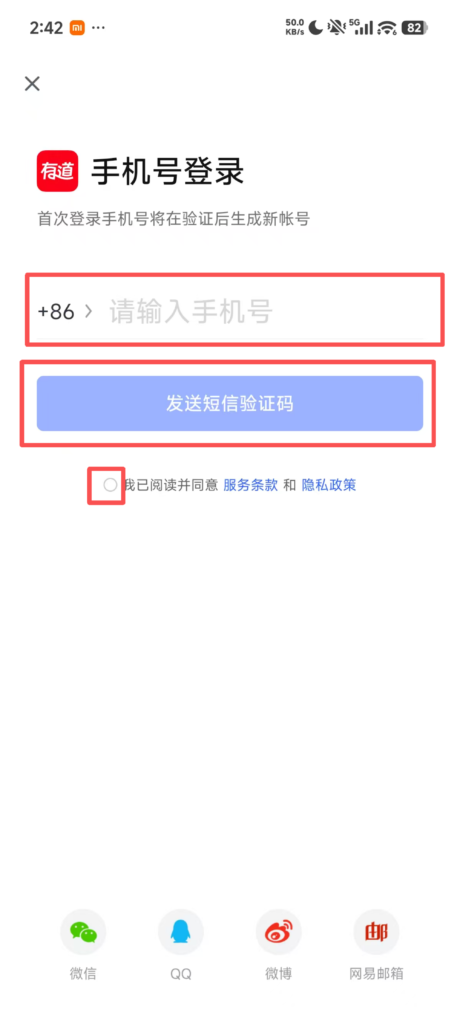
Phone number registration: enter phone number → receive verification code → complete registration
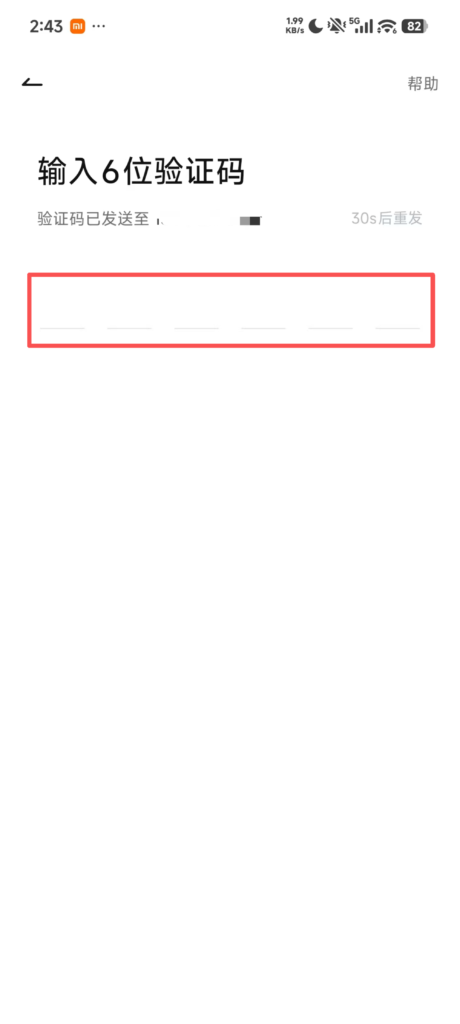
Login functions: translation records, favorites, and vocabulary book synchronized across multiple devices, no data loss when changing phones.
3. Homepage Overview
Core 5 Major Functions: Text Translation, Photo Translation, Voice Translation, Document Translation, Offline Translation
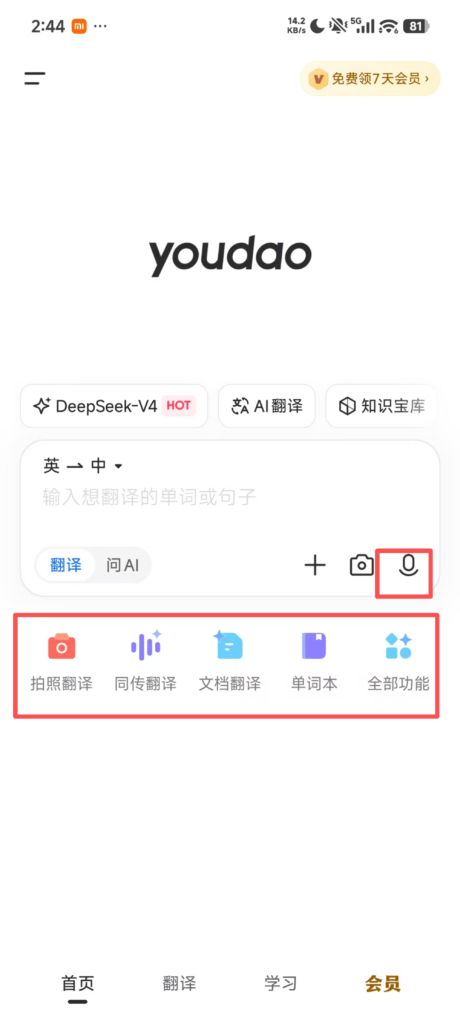
4. Detailed Steps for Using Each Function
1. Text Translation (Most Commonly Used Daily)
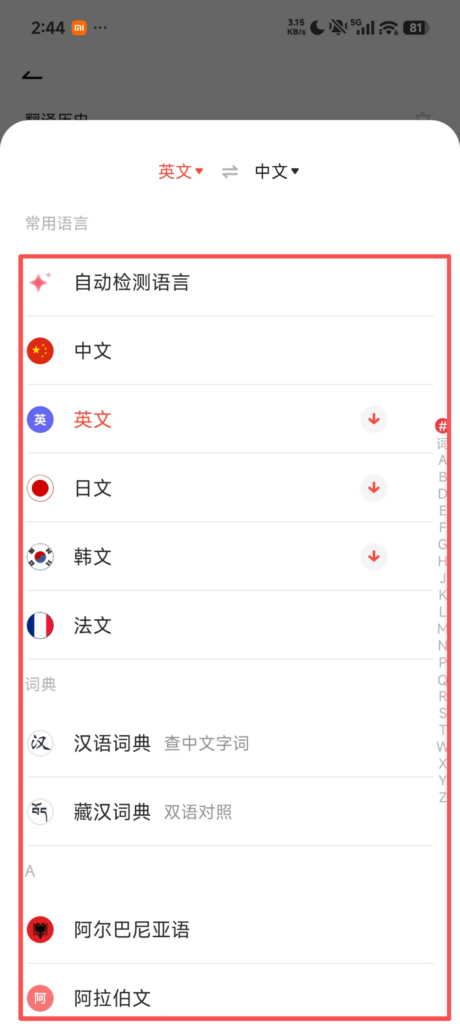
Input box at the top of the home page, select the language above (source language / target language, can set to auto-detect)
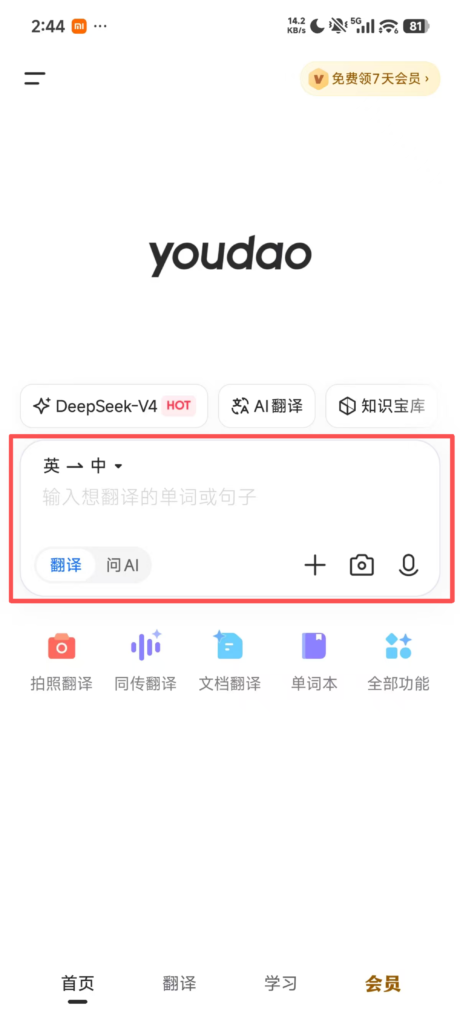
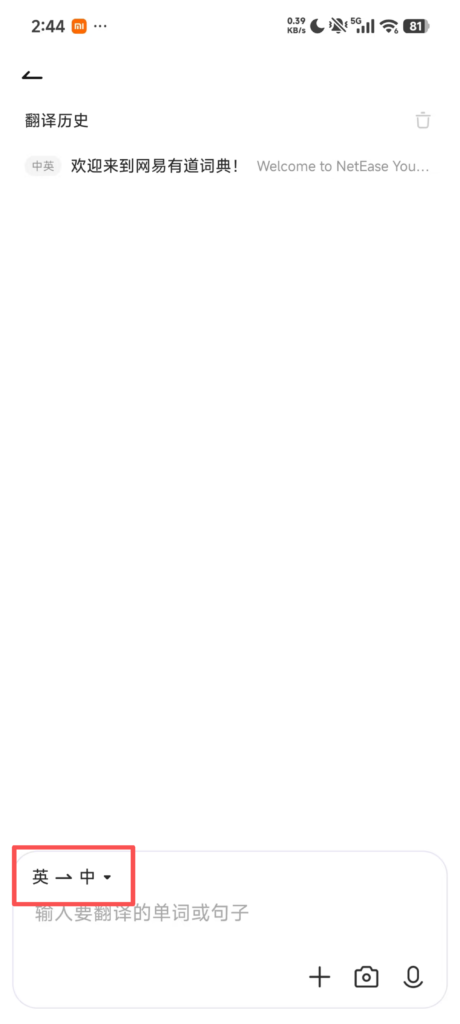
Manually enter or paste text, sentences, or paragraphs, and get translation results instantly