IOS:百度翻译-AI英语学习词典与翻译官 App – App Store
Android:百度翻译,您的掌上翻译专家
Baidu Translate is a free multifunctional AI translation app supporting over 200 global languages for daily and business communication. It features four core practical functions: text input translation, instant camera translation for paper documents, menus and bill receipts, real-time voice conversation translation, and full-file translation for PDF and Word files. The offline language package can be downloaded in advance for translation use under no-network environment, which greatly helps travelers overseas. For foreigners staying in China, the app removes daily language obstacles during shopping, sightseeing and negotiation. Its accurate machine translation continuously upgrades with AI technology, covering travel vocabulary, business terms and professional daily expressions. Free of hidden charges and easy to operate, Baidu Translate has become a regular essential helper for all foreigners living or traveling throughout China.
Baidu Translate User Guide
(1) Download and Registration
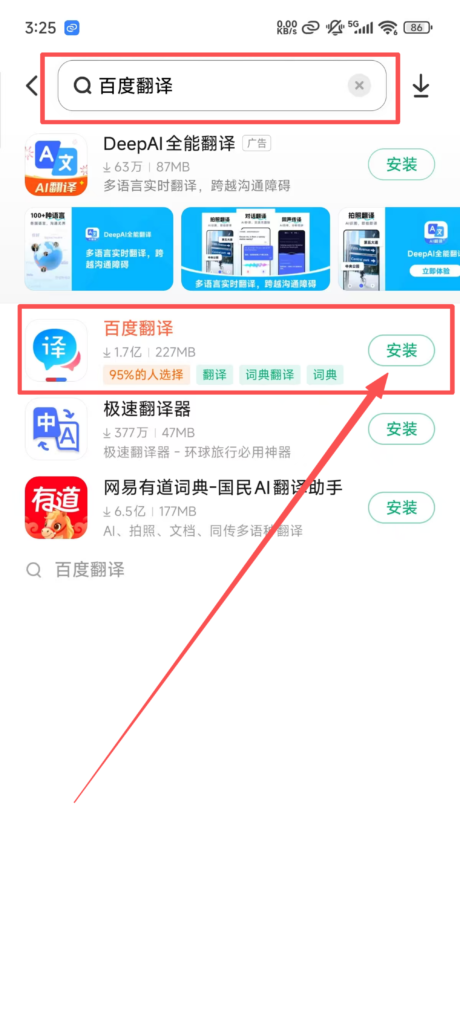
1. Search for ‘Baidu Translate’ in the app store, download and install it.
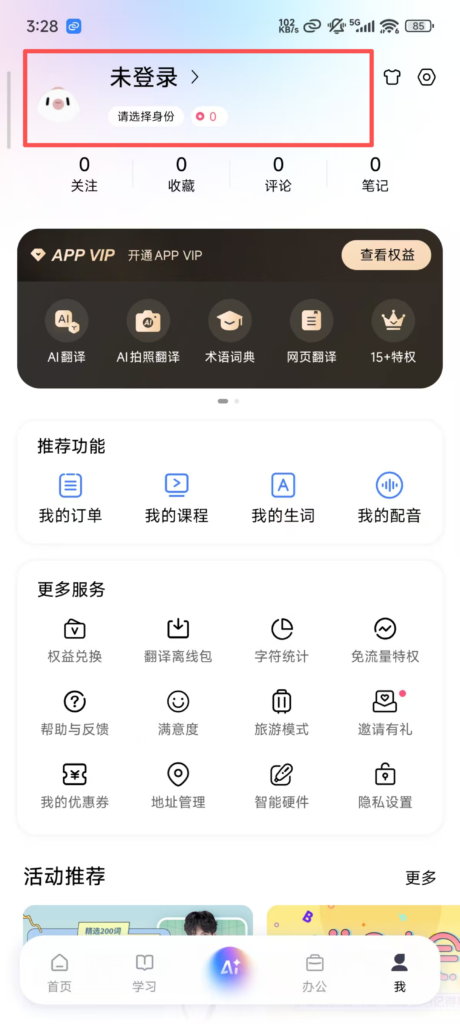
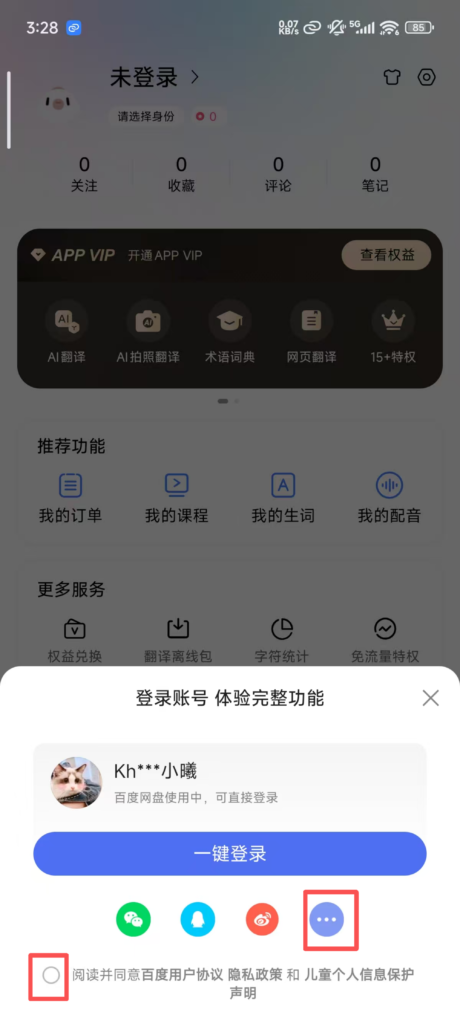
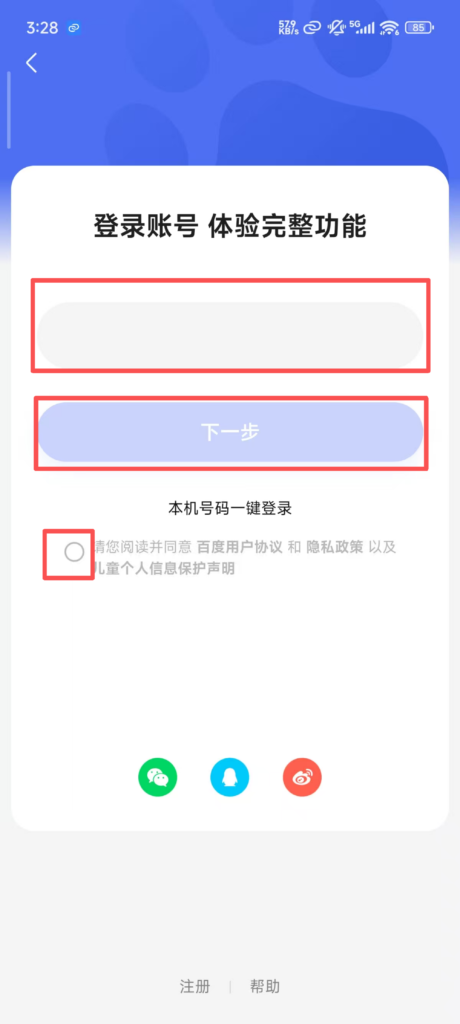
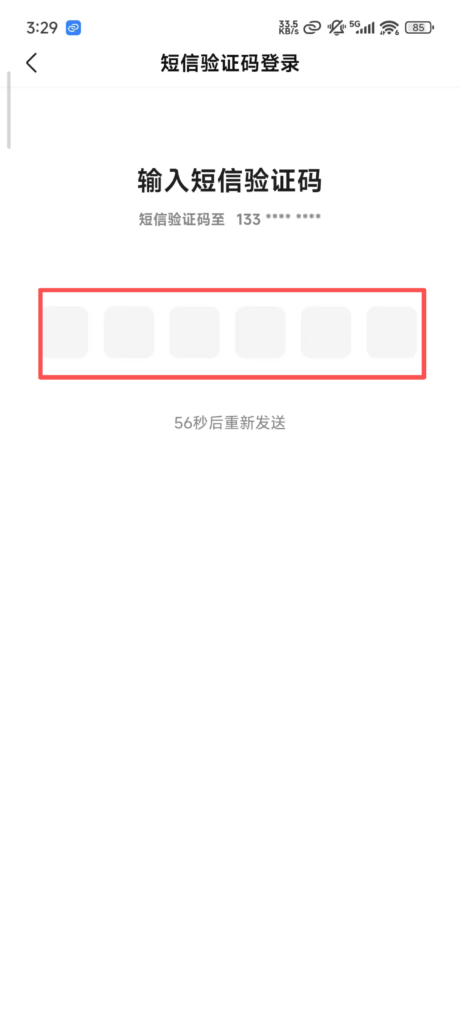
2. Registration and Login: Supports quick login via WeChat, QQ, and Baidu accounts, and you can also log in with your mobile phone number; after logging in, you can sync translation records, favorite words, offline packages, and other data, making it more convenient to use across devices.
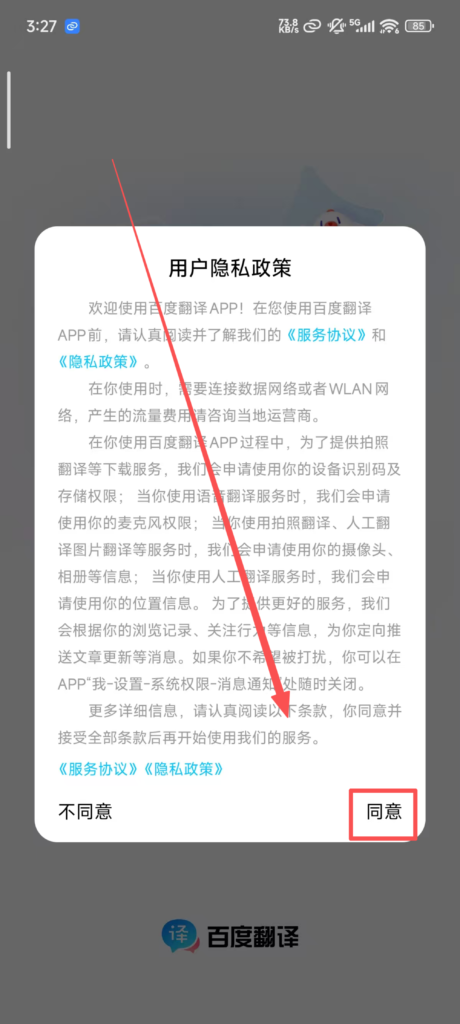
(2) Use of Core Functions
1. Basic Translation Functions
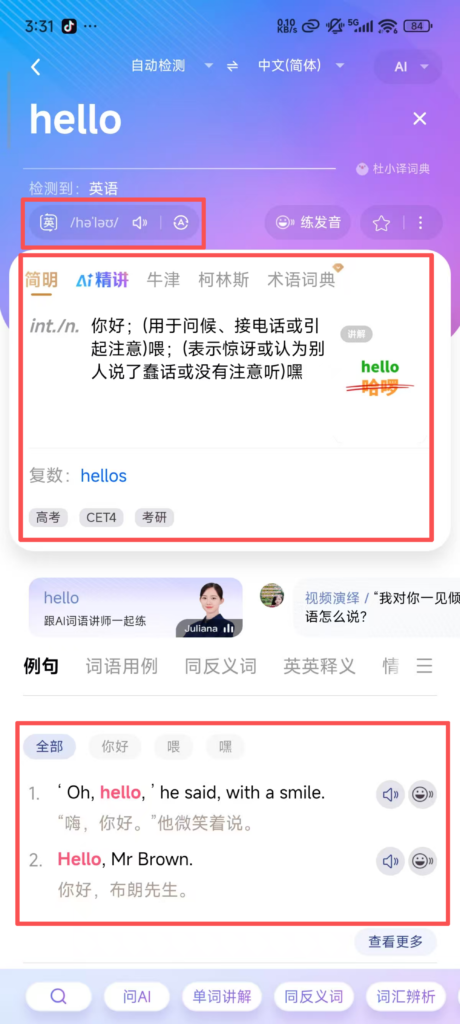
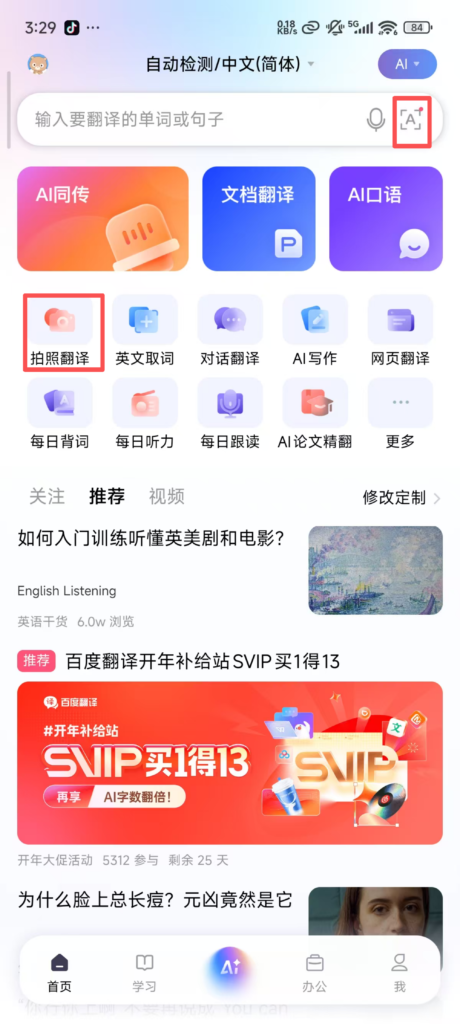
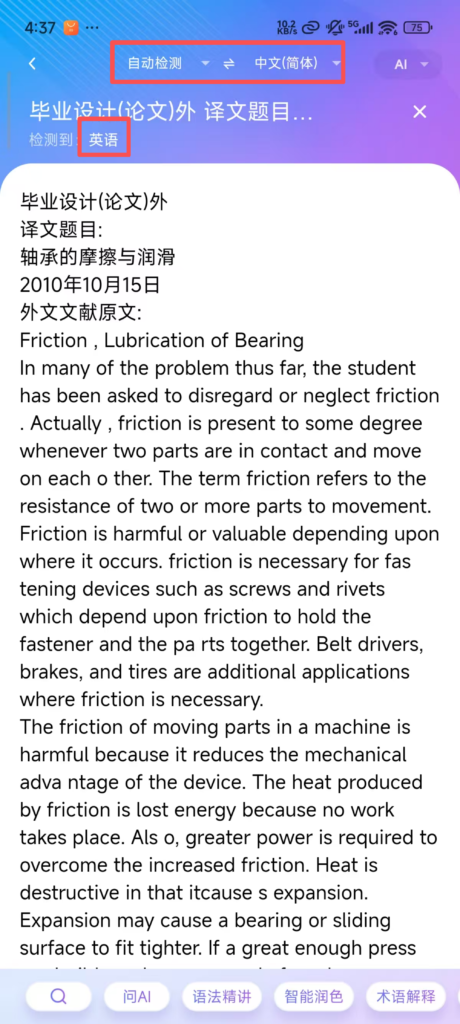
Text Translation: By default, the interface enters the text translation screen. The input box supports manual input, voice input, and pasting text (no character limit, supports translation of long texts in segments). At the top, you can select the source language (default is auto-detect, supports Chinese, English, Japanese, Korean, etc., for 100 languages) and the target language. After inputting text, the translation result is displayed in real time, with support for “Copy,” “Share,” and “Read Aloud” functions (voice speed and tone adjustable).
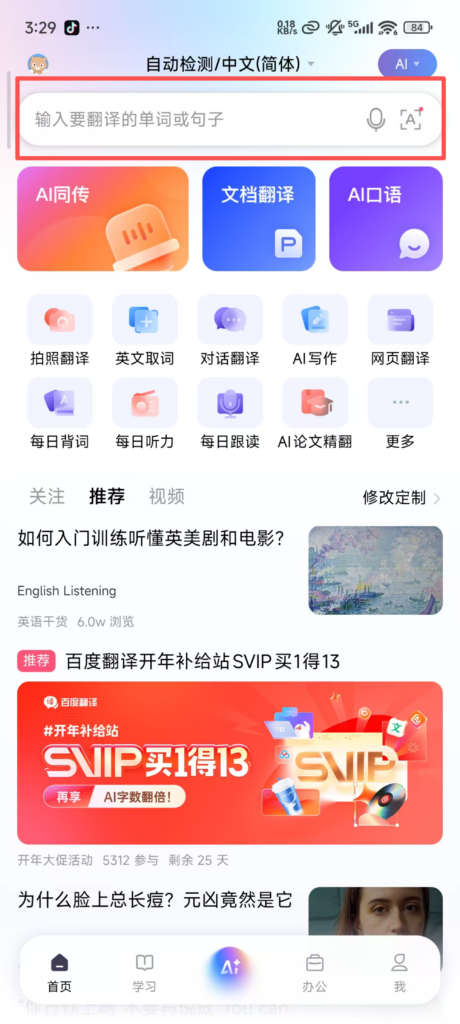
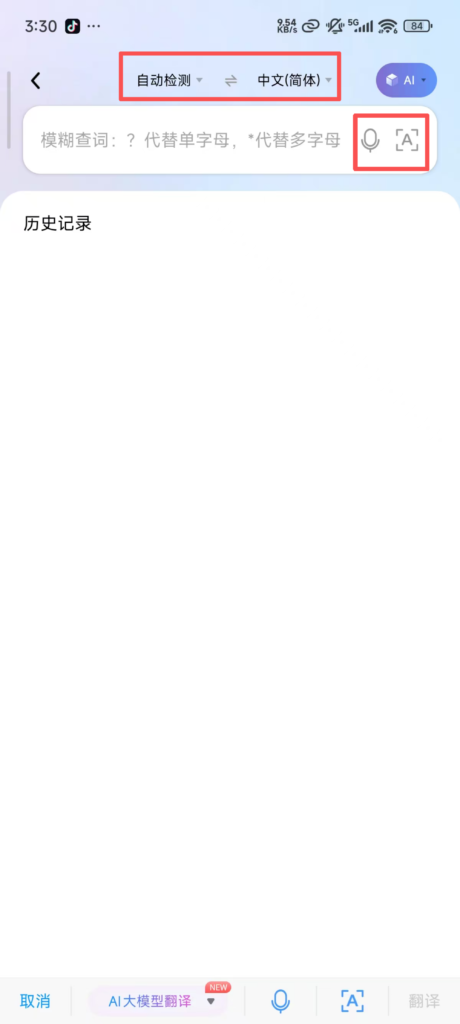
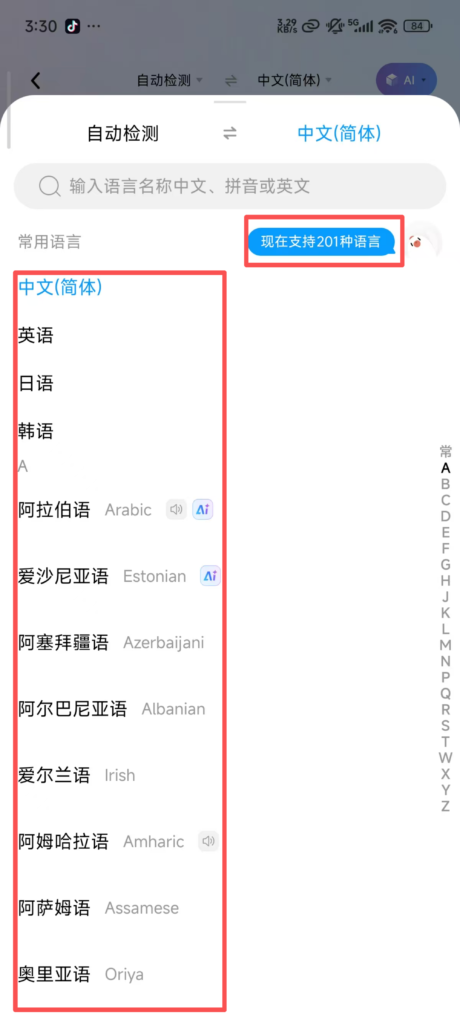
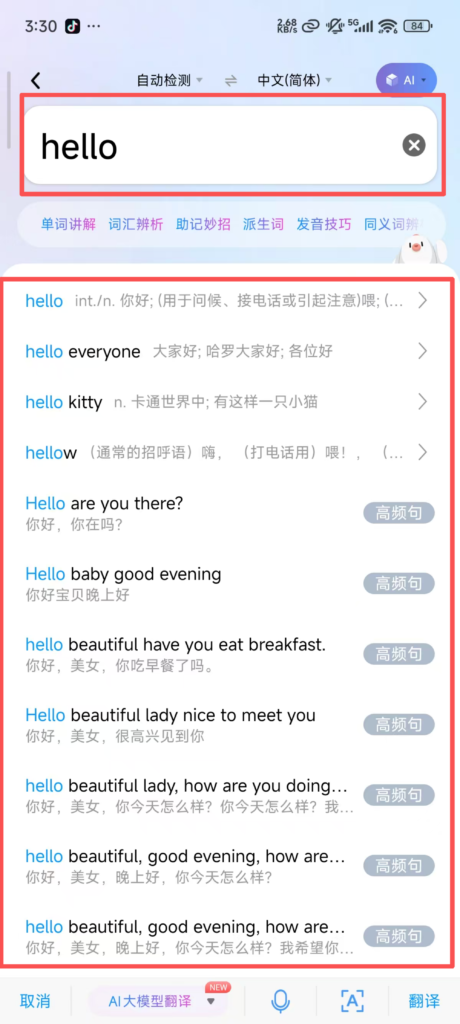
Translation Result Optimization: Click “Expand” below the translation result to see detailed explanations (such as the word’s part of speech, example sentences, collocations), synonyms/antonyms, and register notes (formal/informal); long text translation supports “paragraph translation” and “full text reading”, and you can also switch between “concise mode” and “detailed mode” to view the results.
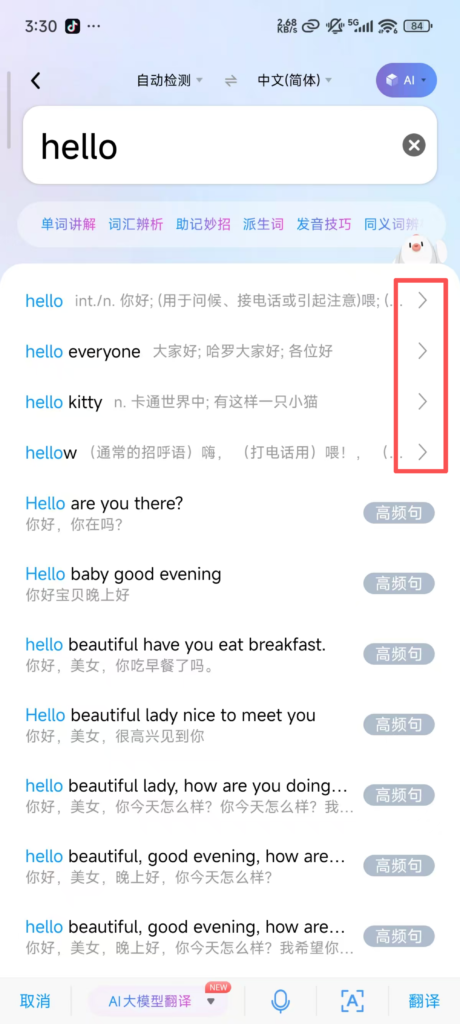
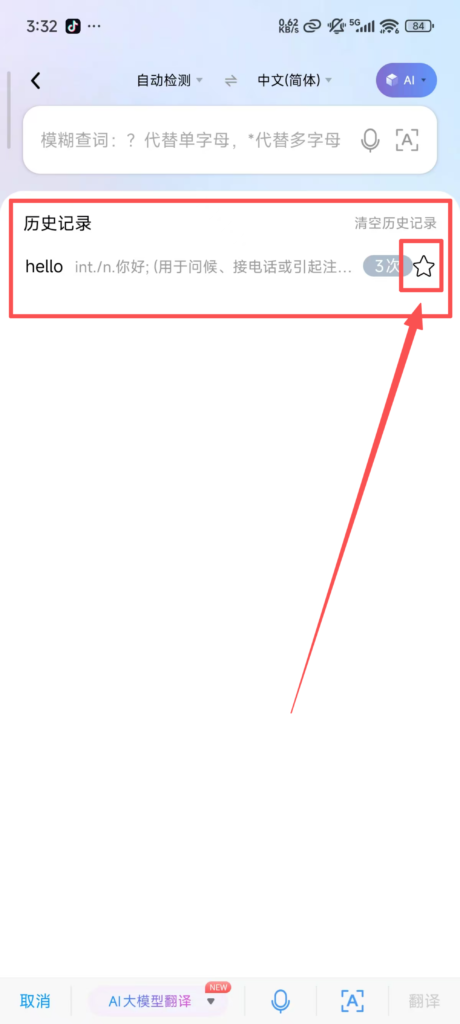
History Record Sync: After logging in, all translation records are automatically synced to ‘My – History’, supporting filtering by time and keyword search, with options to re-translate, favorite, or delete records; when not logged in, history records are only stored locally and will be lost after uninstalling the app.
2. Image Translation
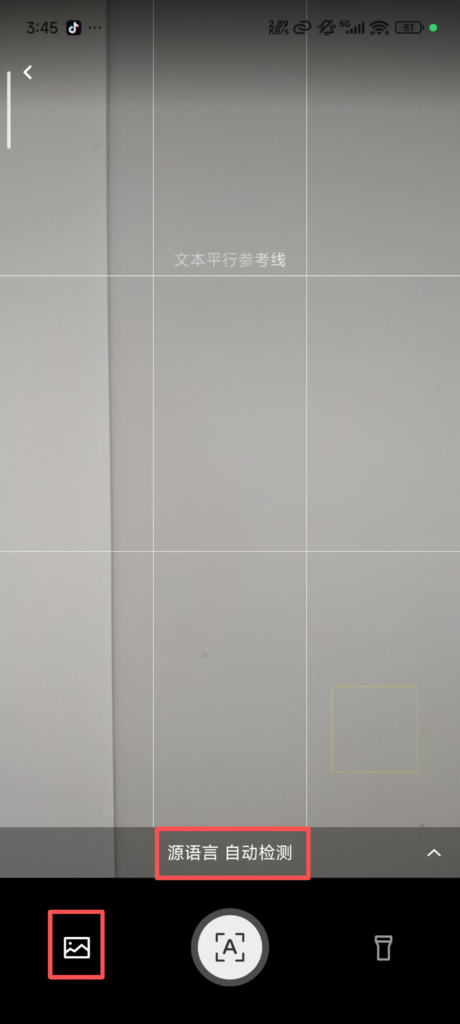
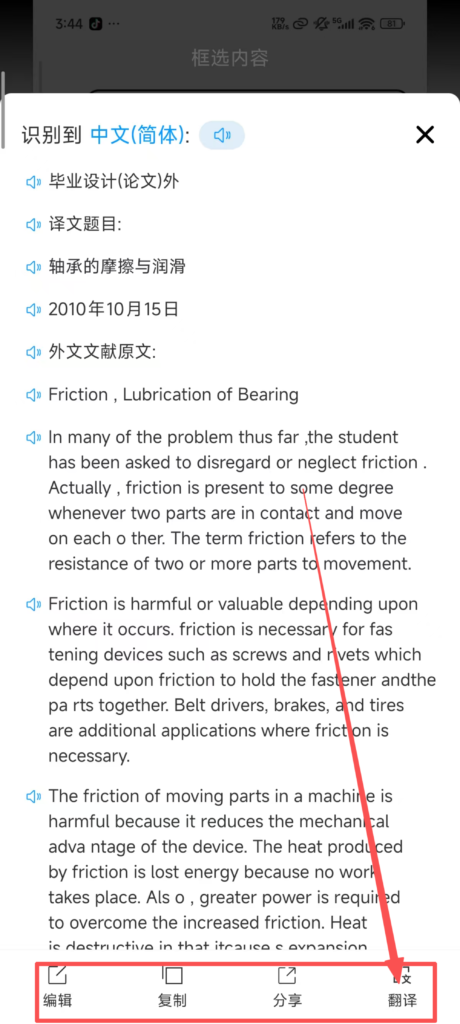
Upload Image for Translation: Click the “Album” icon on the camera interface to select images saved on your phone (supports JPG and PNG formats). The system will automatically recognize the text and translate it. It supports batch uploading of multiple images for efficient and continuous translation. In the image translation interface, you can choose the source and target languages, enable “Auto Language Detection,” “High-Definition Recognition,” and “Night Mode” (to improve recognition in low-light environments). It also supports “Overlay Translation Results” (directly overlaying the text on the original image) or “Split-Screen Display.”
3. Voice Translation
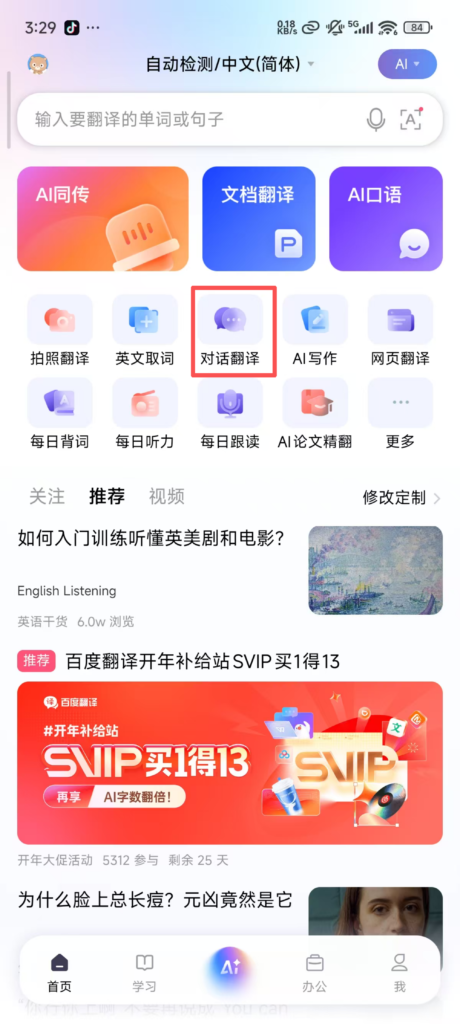
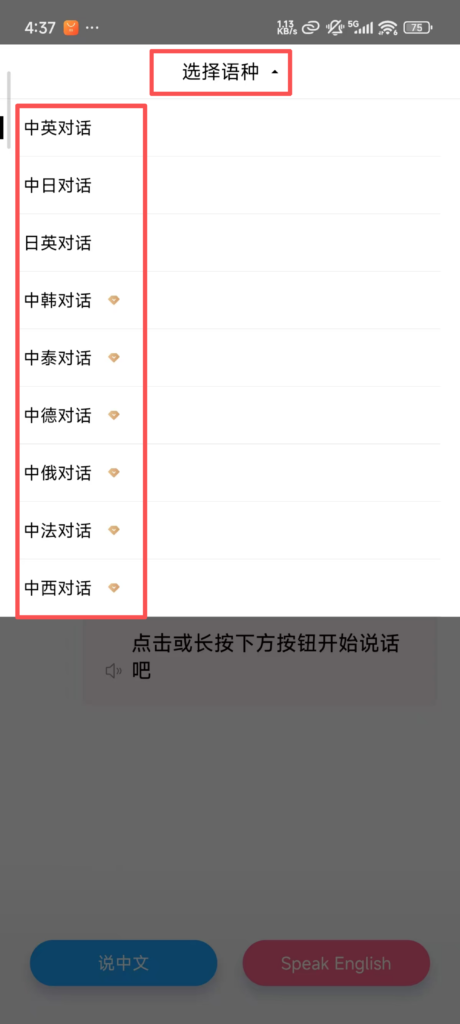
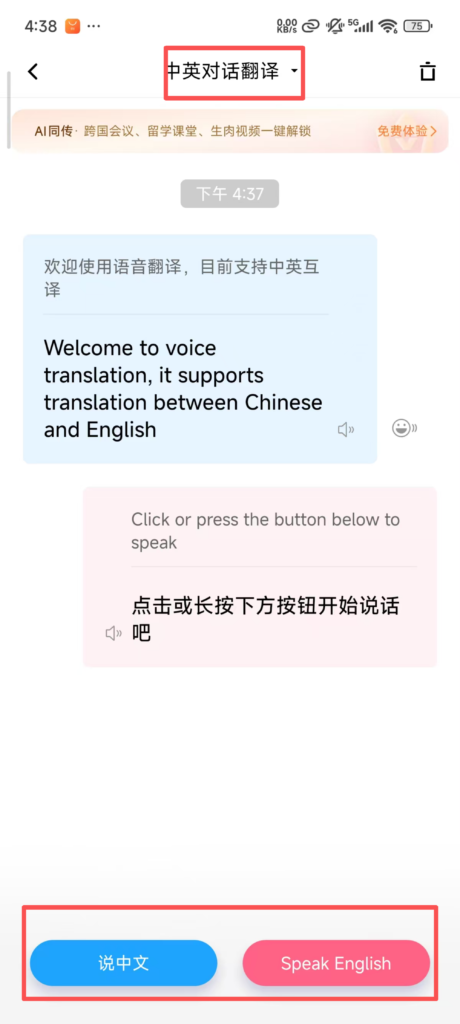
Conversation Mode: In the voice translation interface, click the “Conversation” icon to switch to two-person conversation mode. The system automatically alternates in recognizing and translating the languages of both parties, supporting common language combinations such as “Chinese – English” and “Chinese – Japanese.” Conversation records are automatically saved and can be copied or shared.