IOS:地铁通 – MetroMan App – App Store
Android:地铁通地铁换乘查询软件-小米应用商店
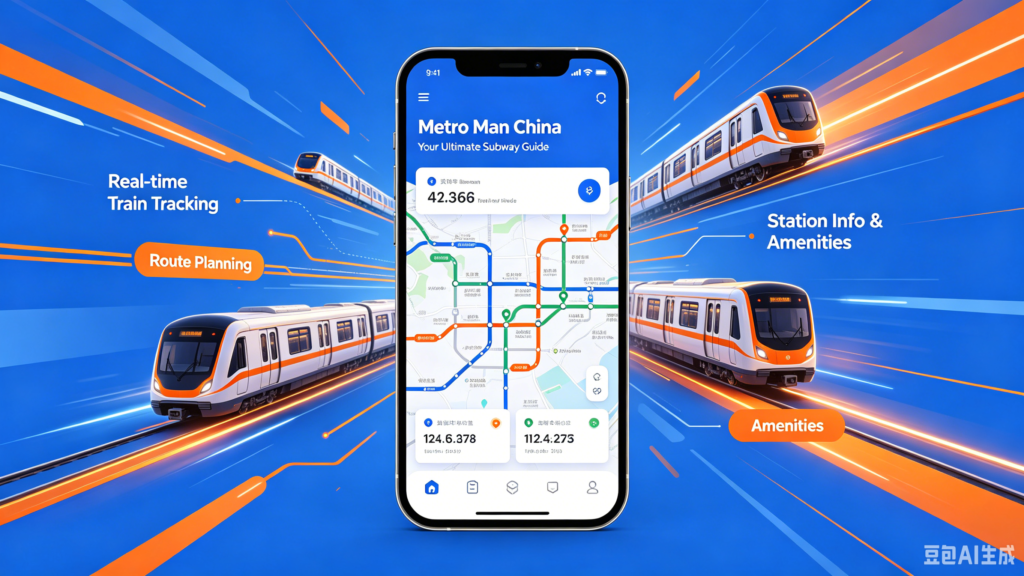
Metro Man China is Shanghai Metro’s official transit app tailored for local residents and overseas travelers visiting China’s major cities. Its core feature is QR-code metro gate access: users generate an in-app transit QR code to directly swipe through subway turnstiles across all Shanghai metro lines plus maglev trains, supporting post-payment via Alipay and overseas digital wallets like AlipayHK without physical transport cards. The app supplies real-time subway schedules, carriage crowd density alerts and route planning with interchange guidance to avoid travel delays. It accepts international payment methods for foreign tourists and saves historical travel bills for expense checking. Additional practical functions include nearby station navigation and temporary lost-and-found service inquiries. With full English interface option and streamlined registration, it becomes the essential daily transit helper for expats touring Shanghai and surrounding urban areas.
Metro Man China User Guide
(1) Download and Registration
Download: Search for ‘Metro Man China’ in the app store, download and install it.
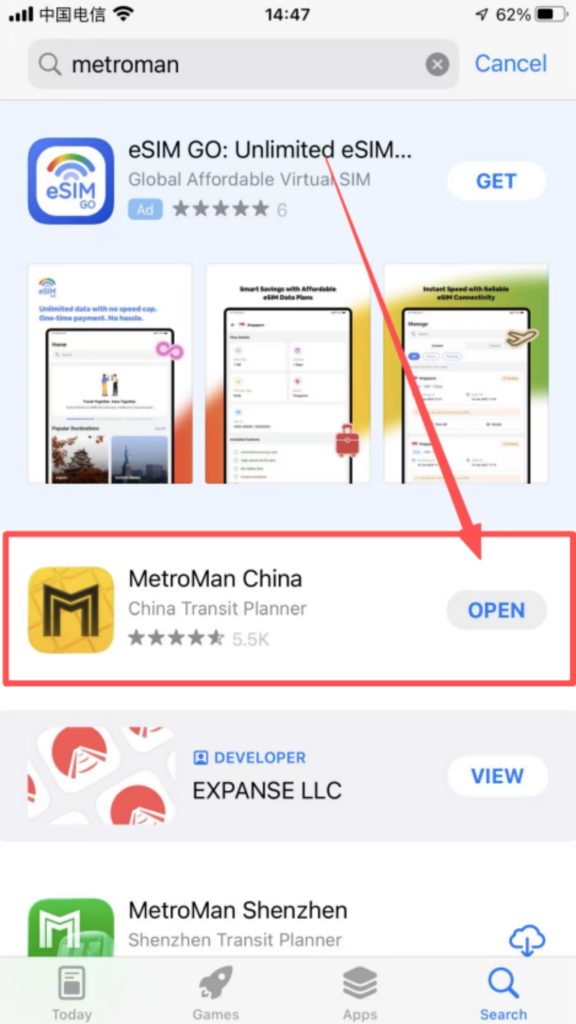
After downloading, it can be used directly without registering or logging in.
(2) Core Function Usage
1. City Selection and Basic Interface City Switching:
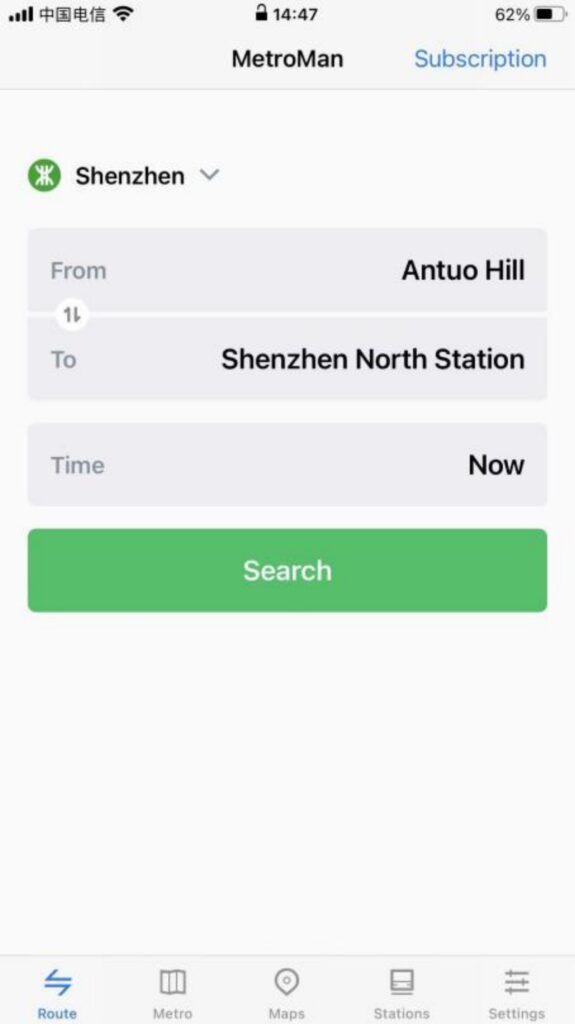
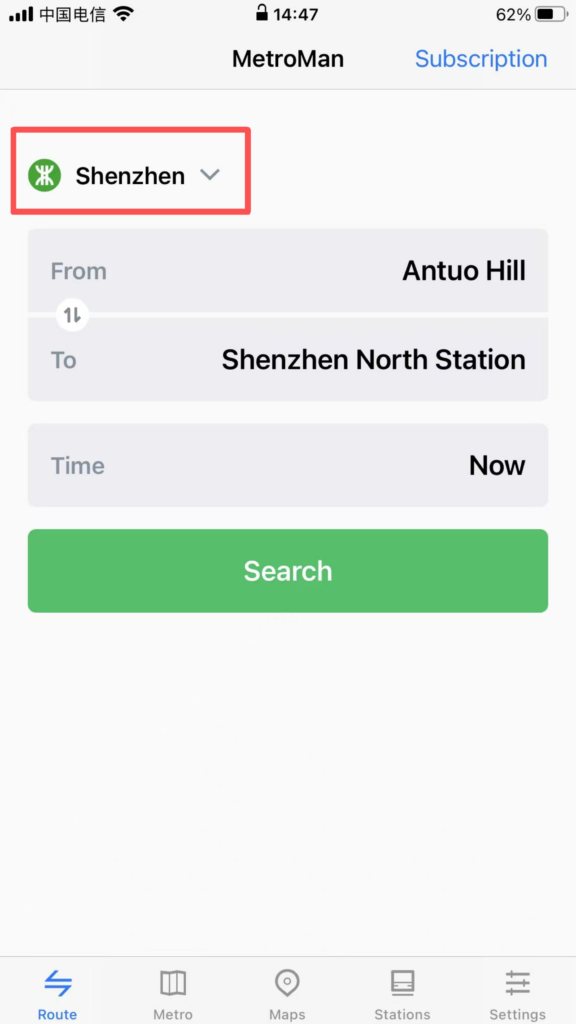
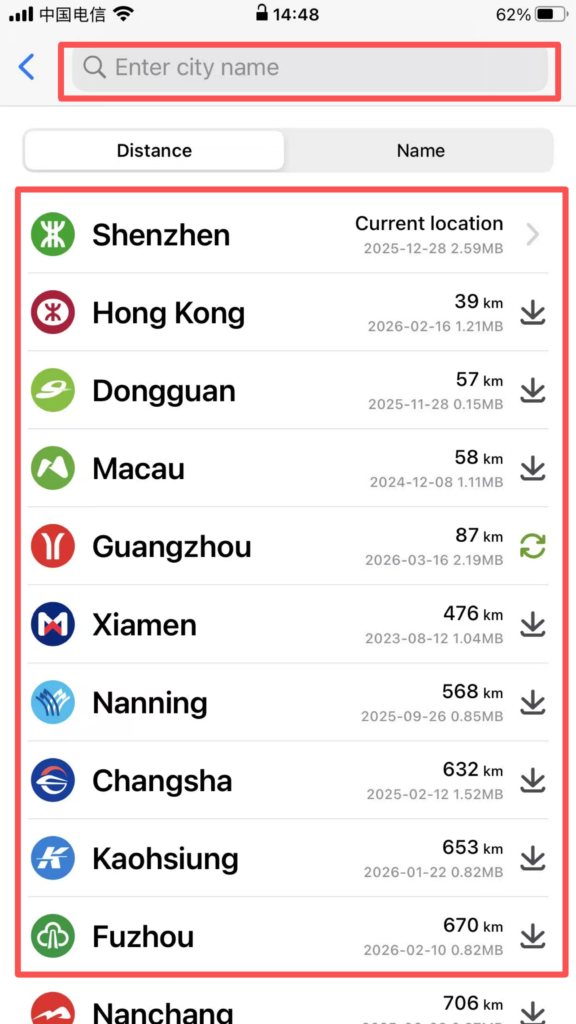
Open the APP, and the homepage will automatically display the currently located city (location permission must be enabled). Click the “City” dropdown menu at the top to select supported cities (Beijing, Shanghai, Guangzhou, Shenzhen, Chengdu, etc., 40 major cities). After switching, the subway data for that city will be loaded.
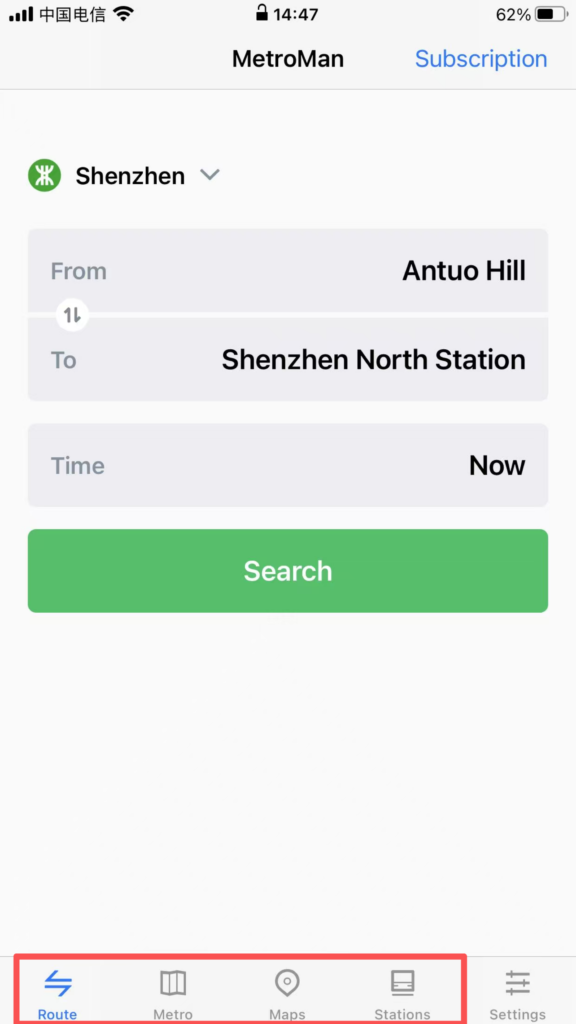
Interface Layout: It is mainly divided into four major modules: ‘Map’, ‘Route’, ‘Stations’, and ‘My’. The Map module by default displays the subway map of the city, supporting zooming and dragging for viewing. Different lines are distinguished by different colors, making it clear and intuitive.
Interface Layout: It is mainly divided into four major modules: ‘Map’, ‘Route’, ‘Stations’, and ‘My’. The Map module by default displays the subway map of the city, supporting zooming and dragging for viewing. Different lines are distinguished by different colors, making it clear and intuitive.
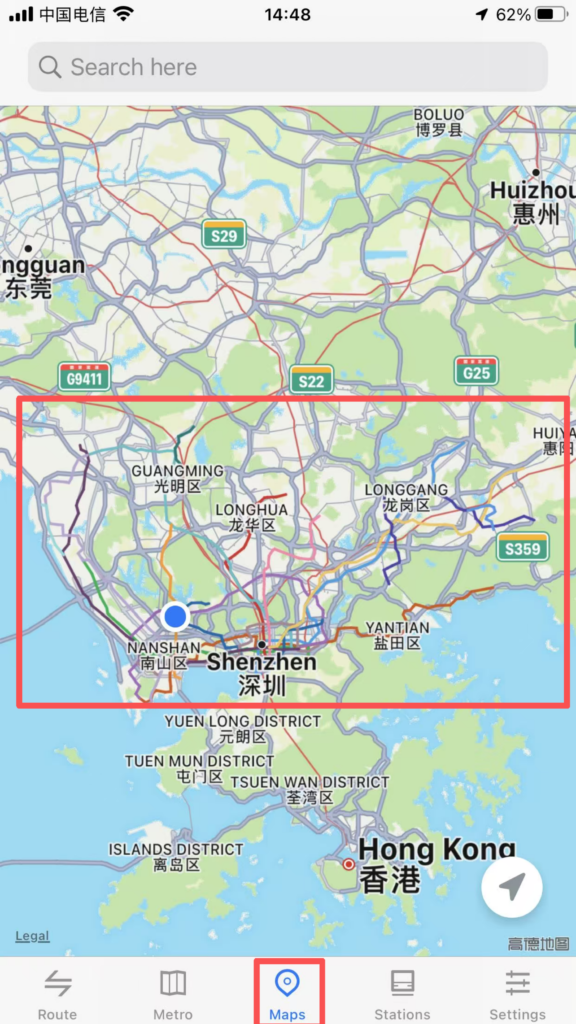
2. Station Details Inquiry
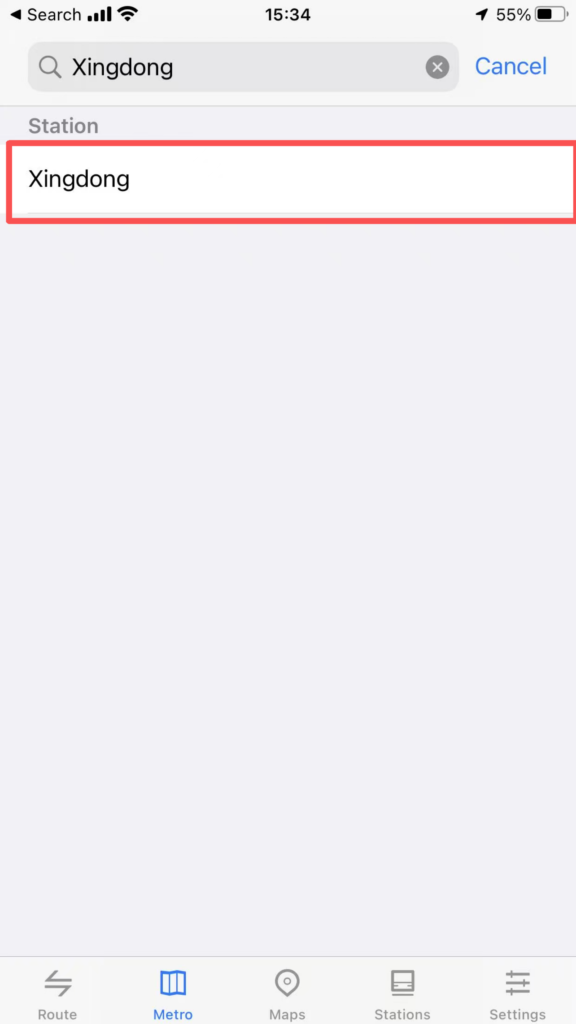
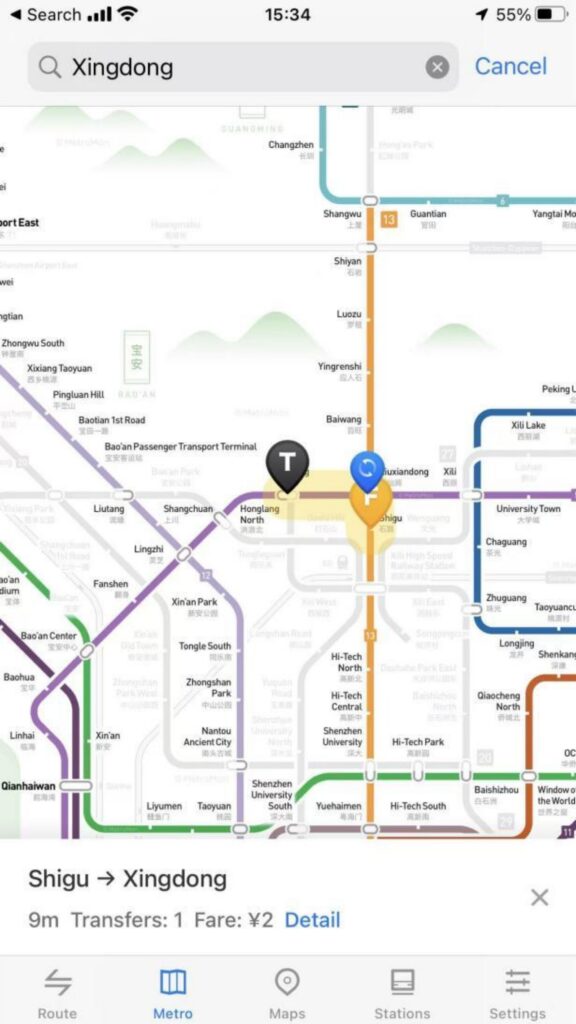
Station Positioning: Click on any station icon on the map to pop up the station name, first and last bus times, and transfer line tips; supports entering the station name (Chinese / Pinyin) in the search box for quick positioning of the target station.
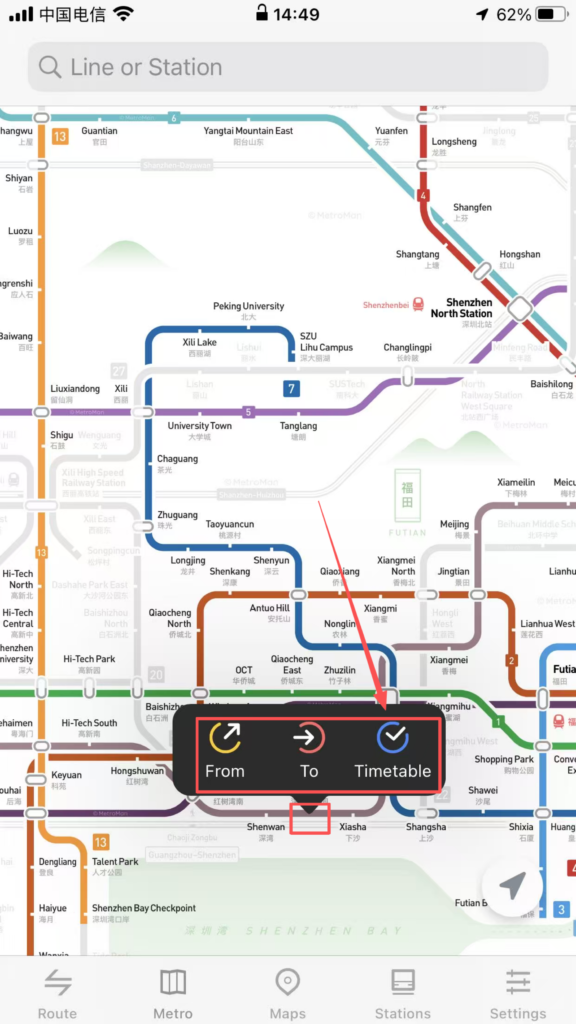
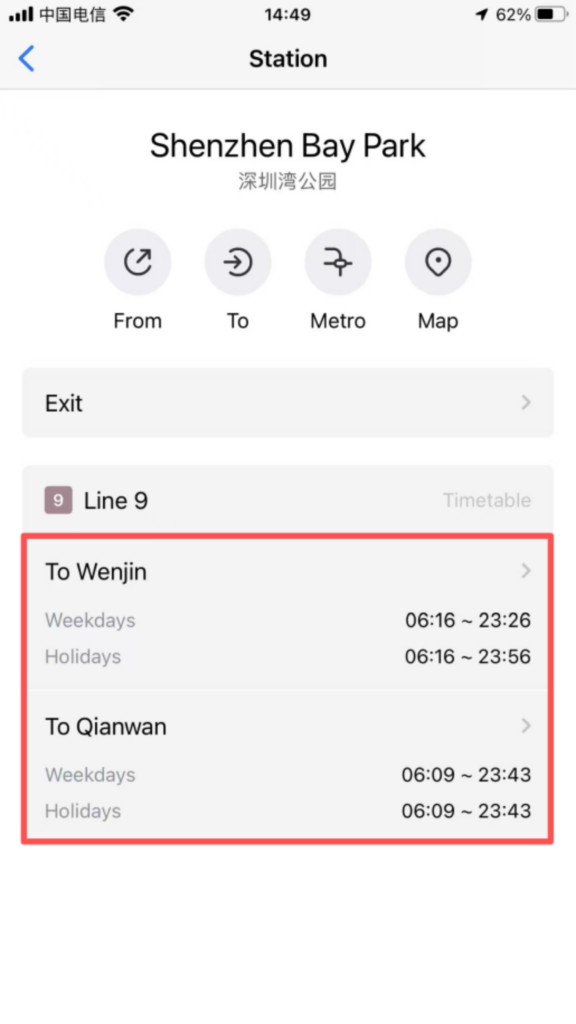
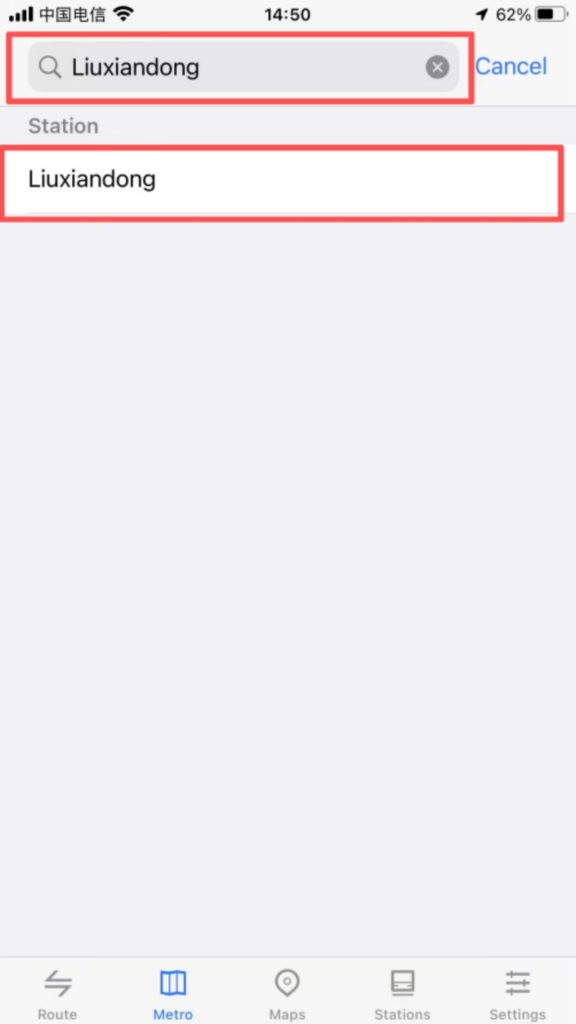
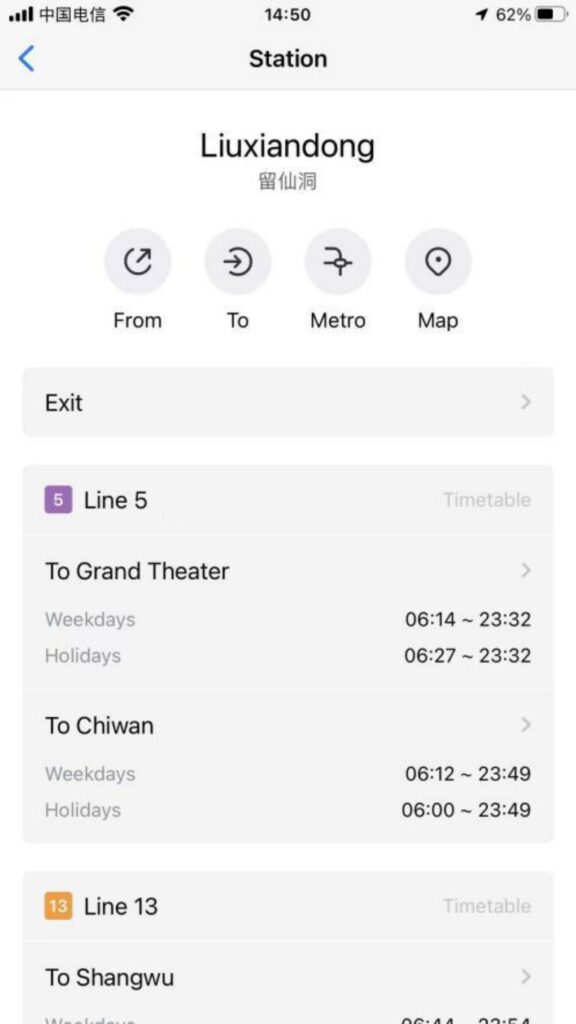
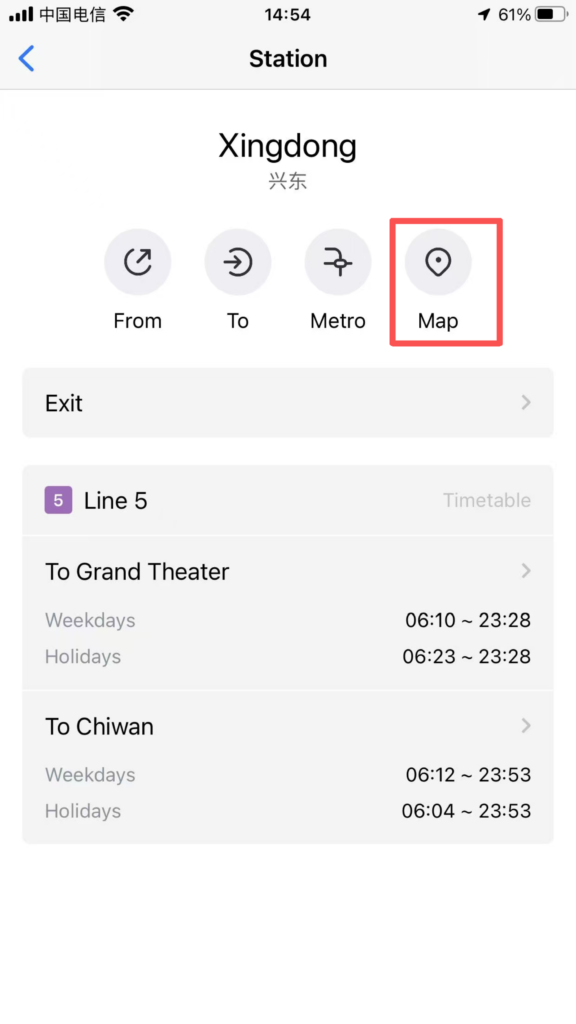
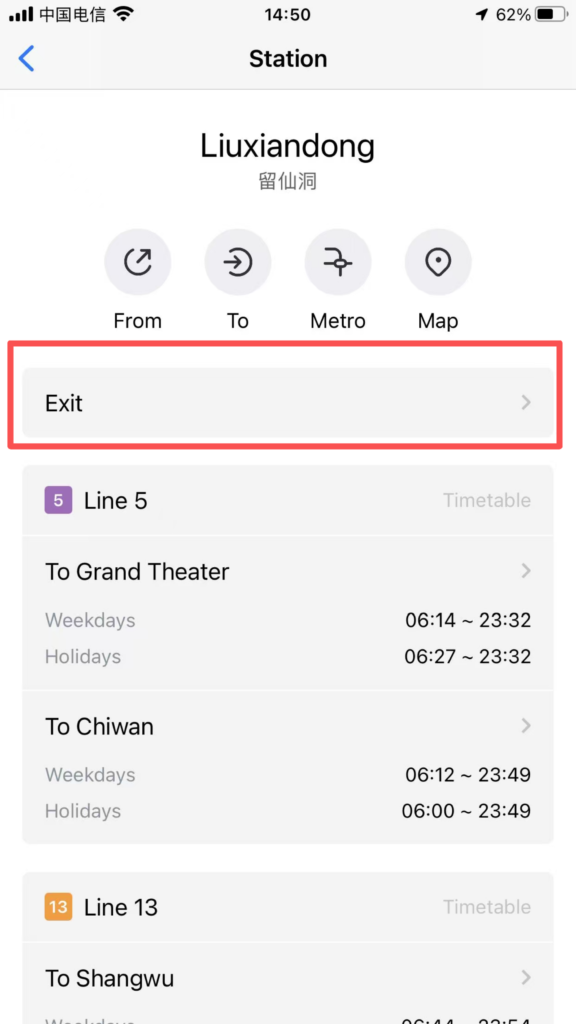
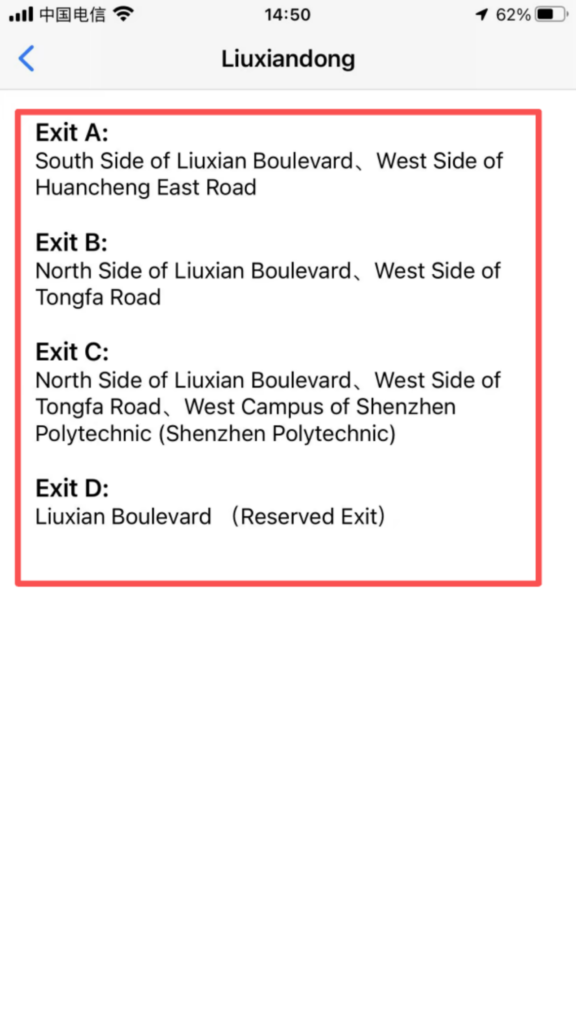
Detailed information: Click on the site to enter the detail page to view the entrance and exit distribution (including landmarks around the exits and public transportation transfer information), and operating hours (first and last train times on weekdays/weekends/holidays).
3. Route Planning
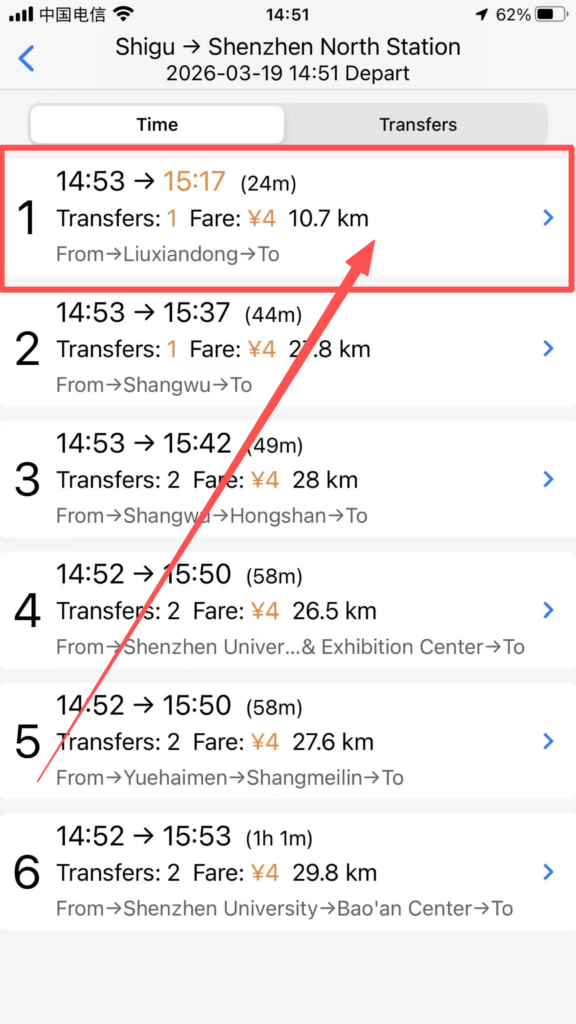
Starting and Ending Point Settings: Click the ‘Route’ module, enter the starting point and ending point (supports station names and nearby landmark searches), and the system will automatically plan multiple transfer routes, displaying recommended routes (shortest time / least transfers / least walking).
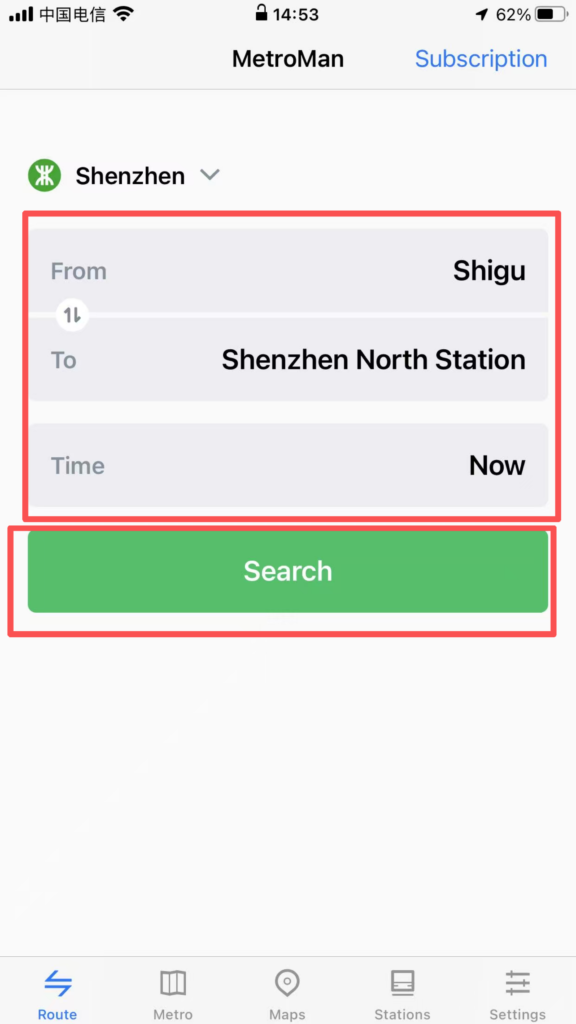
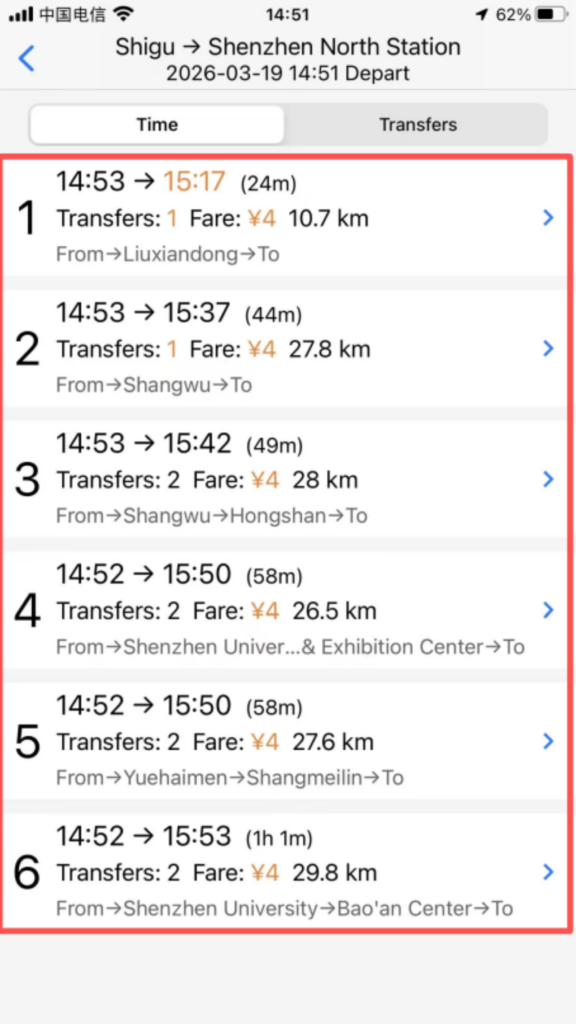
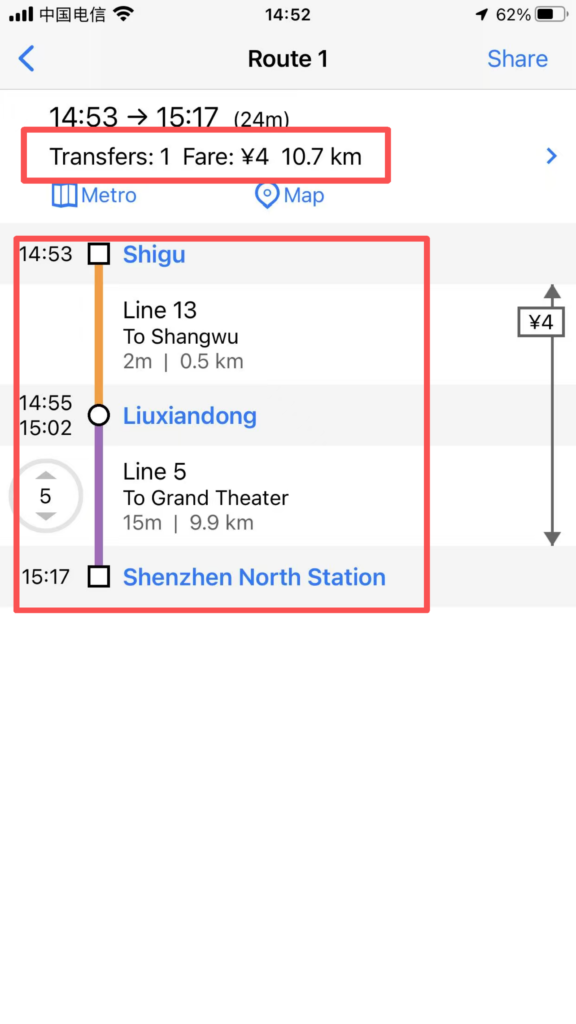
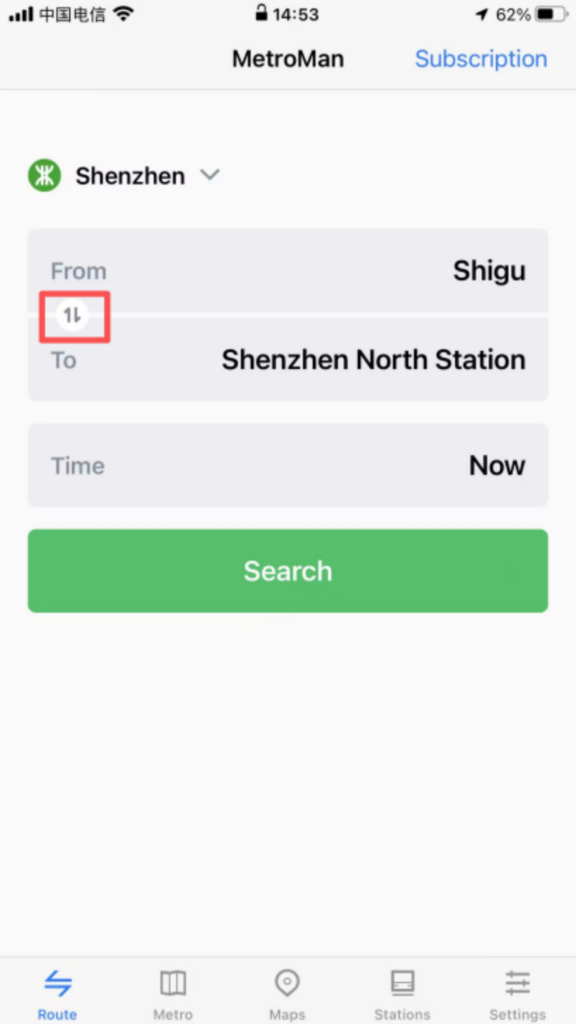
Route Details: After selecting a route, view the lines to take, transfer stations (indicating walking distance and time for transfers), total duration, total distance, and estimated arrival time; supports the ‘reverse route’ function, allowing one-click switching of the start and end points.
Real-time information: Some cities support displaying real-time crowding on routes (green = free, yellow = moderate, red = crowded), temporary service suspensions / capacity restrictions notifications, helping to avoid peak hours or faulty routes.
4. Station Search and Nearby Inquiries
Quick Search: Enter the station name in the homepage search box for fast matching results. Click to directly go to the station details or route planning.
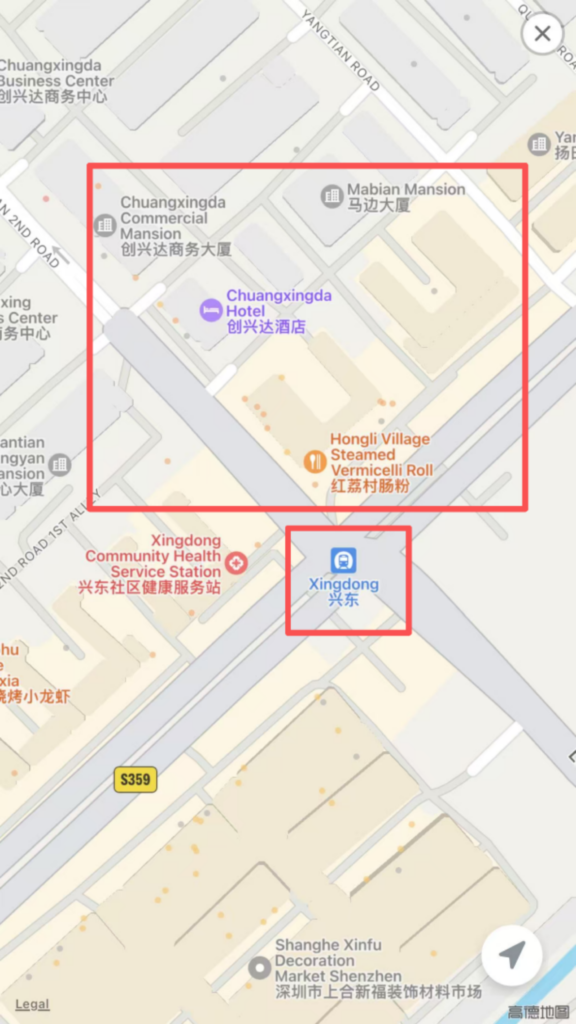
Surrounding facilities: Enter the station detail page and click ‘Surroundings’ to view bus stops, shopping malls, restaurants, hotels, hospitals, and other facilities within 1 kilometer of the station. Navigation is supported (redirects to the phone’s default map app).