IOS:Klook客路旅行 App – App Store
Android:Klook: Travel & Activities – Apps on Google Play
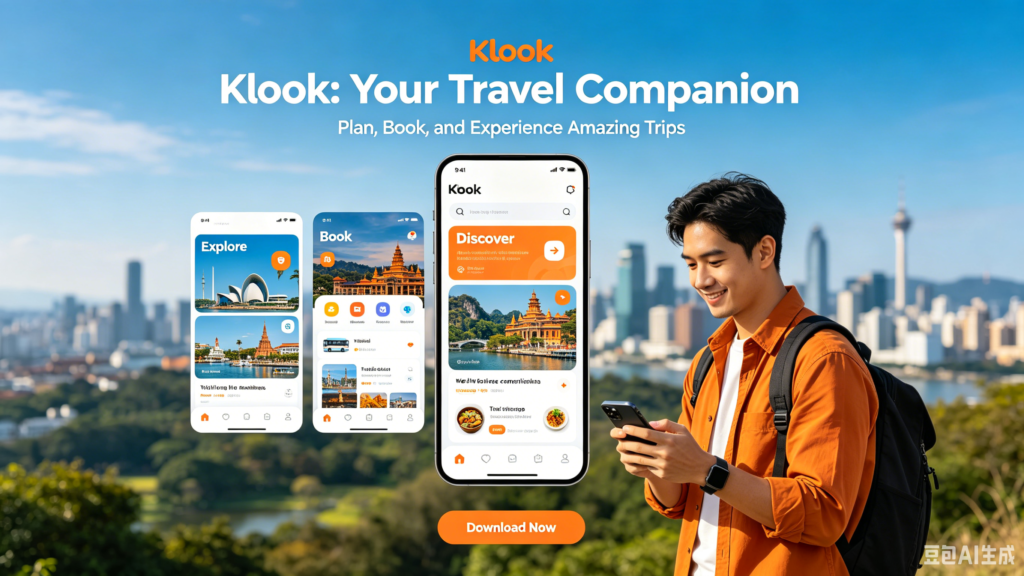
Klook is a globally popular experience-focused travel app famous for in-destination sightseeing services, favored heavily by international travelers exploring China and over 3,500 global cities. Different from mainstream OTA platforms prioritizing flights and hotels, its core strengths lie in discounted skip-the-line attraction tickets, private one-day city tours and unique local immersive experiences such as Chinese cooking workshops, outdoor hiking and cultural handicraft lessons unavailable on regular travel apps. Users purchase regional transport passes including intercity rail cards, airport transfers, local eSIM and portable Wi-Fi with instant digital QR vouchers usable directly at venues without paper tickets. The app runs full English layout, multi-currency checkout and exclusive limited-time discounts up to 60% off original prices, with offline voucher storage and wishlist function for saving future travel plans. Supported by round-the-clock English after-sales service, it is the top pick for tourists hunting authentic local fun after arriving in China.
Klook User Guide
(1) Download and Register
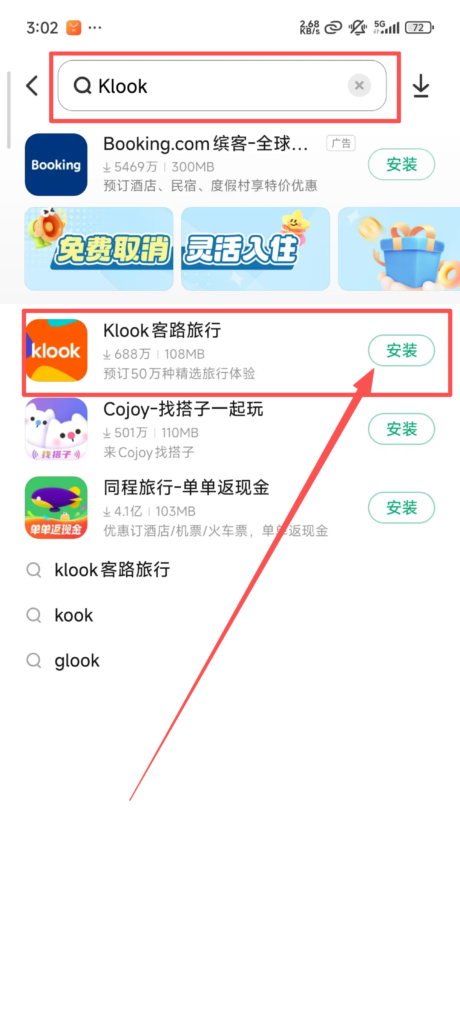
Search for ‘Klook’ in the app store, download, and install it.
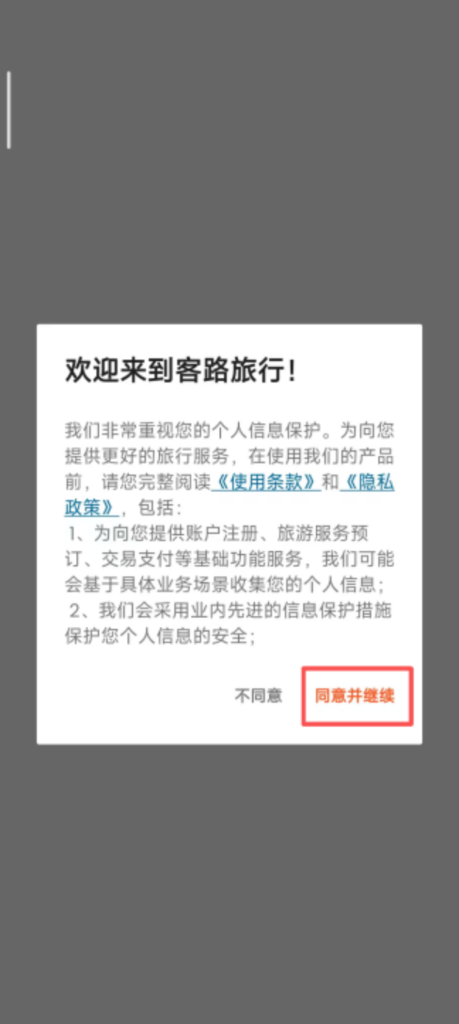
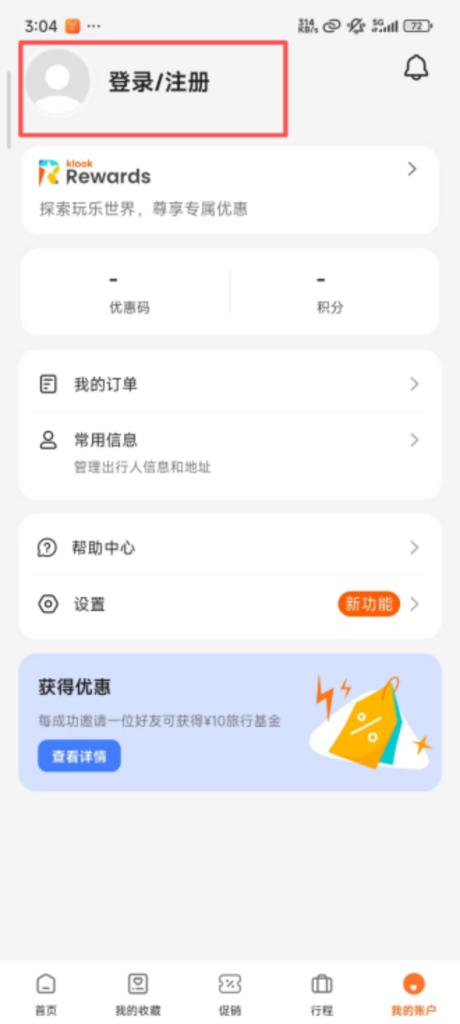
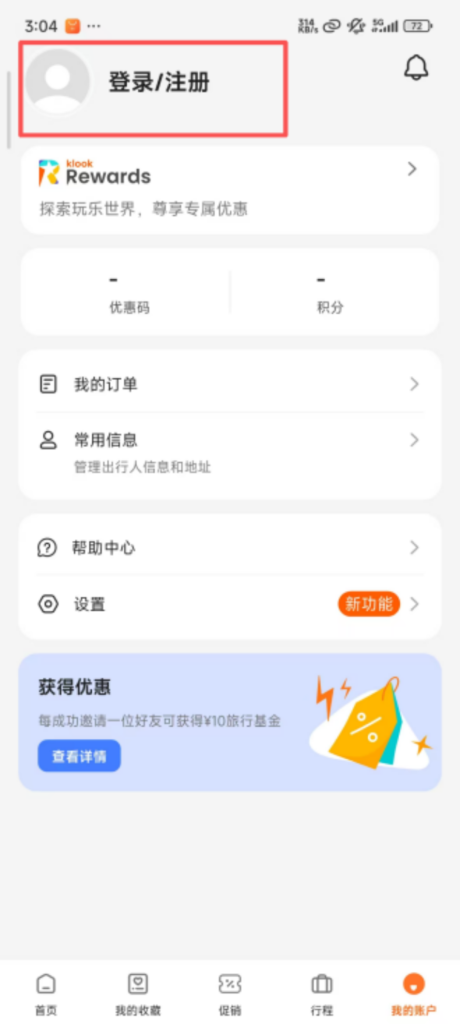
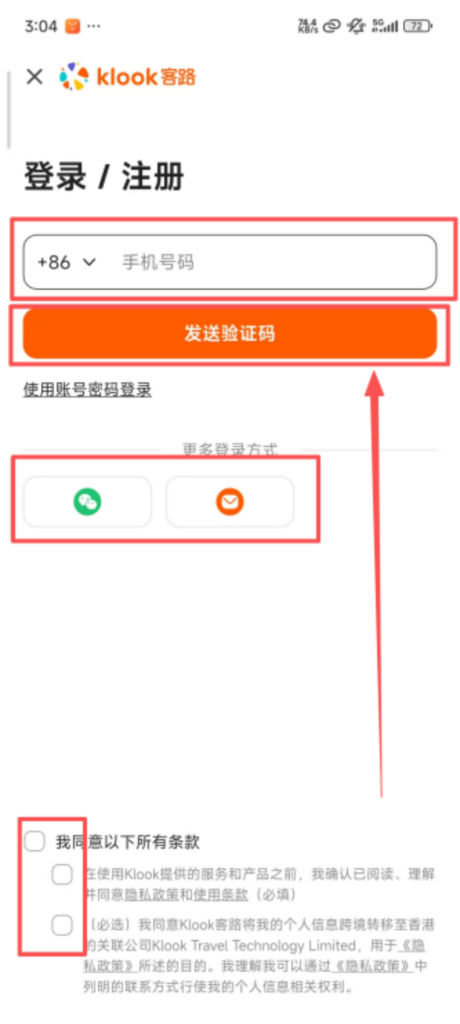
Registration process: Open the app, click ‘Sign Up’, you can register using your phone number or email, enter the verification code and then set a password; supports quick login via Facebook, Google, WeChat, and Apple ID, making it more convenient for international users.
(2) Use of Core Features
1. Product Browsing and Filtering
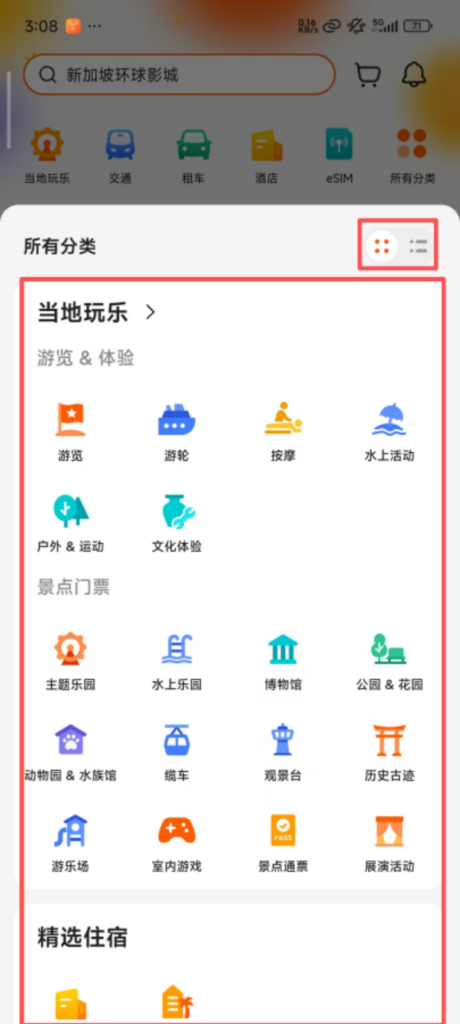
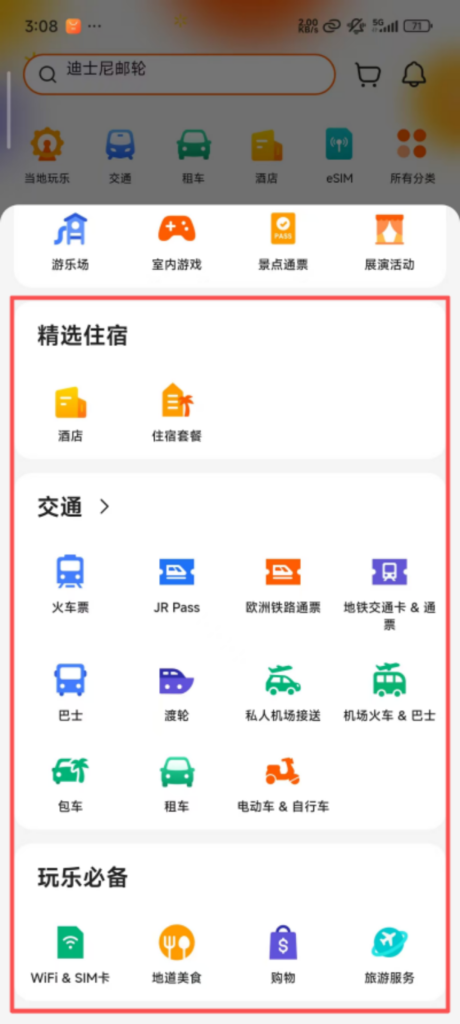
Category Navigation: The homepage is divided into sections such as “Local Activities,” “Attraction Tickets,” “Selected Accommodations,” and “Transportation.” Clicking on a section allows you to view the corresponding products; filtering by destination is supported (for example, selecting “Tokyo” or “Paris” will display products related to that city).
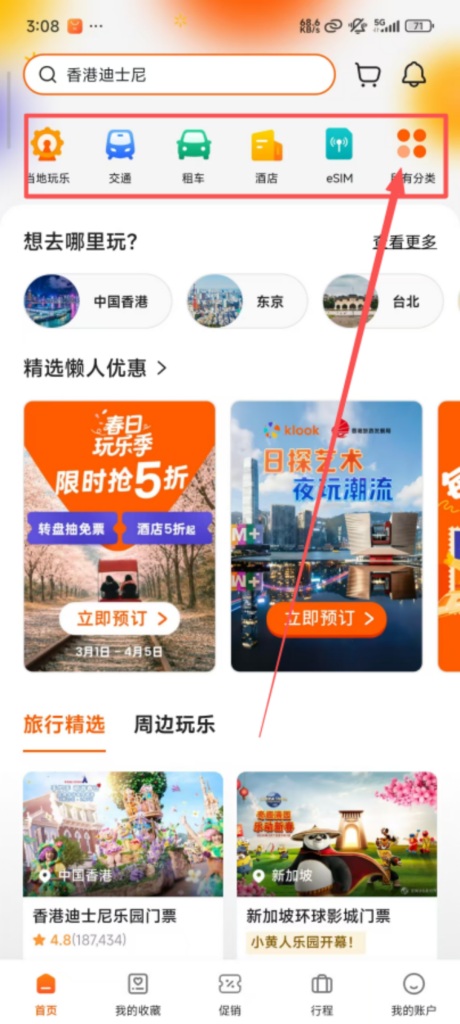
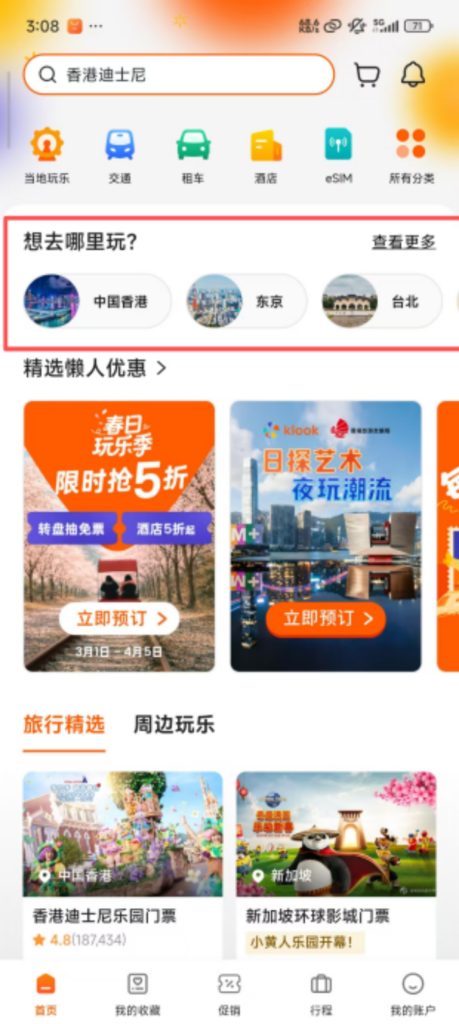
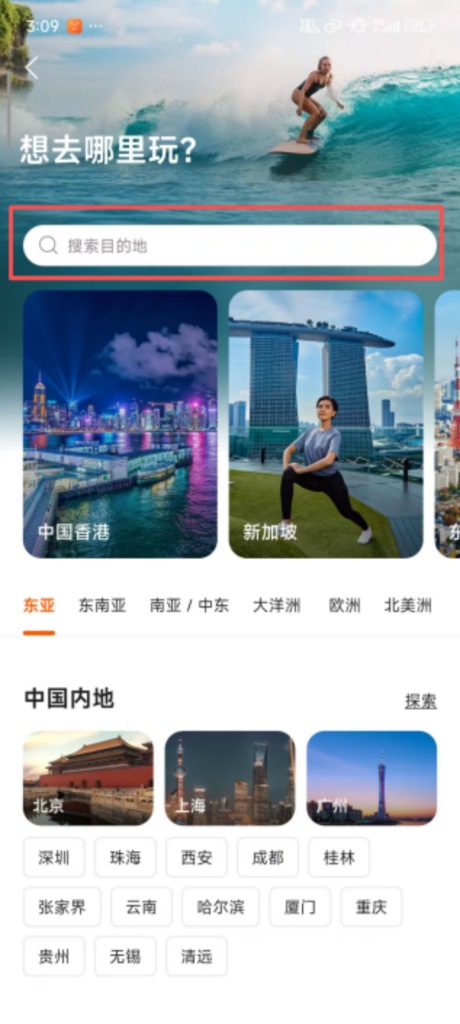
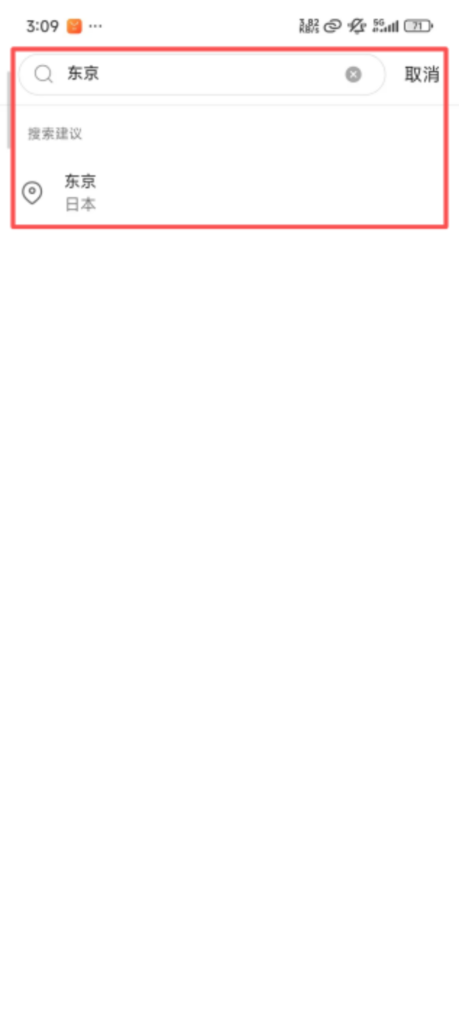
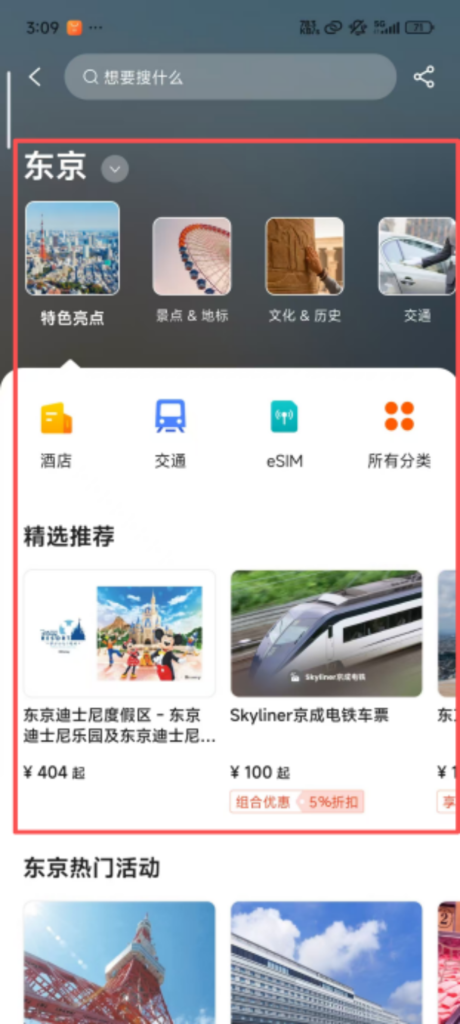
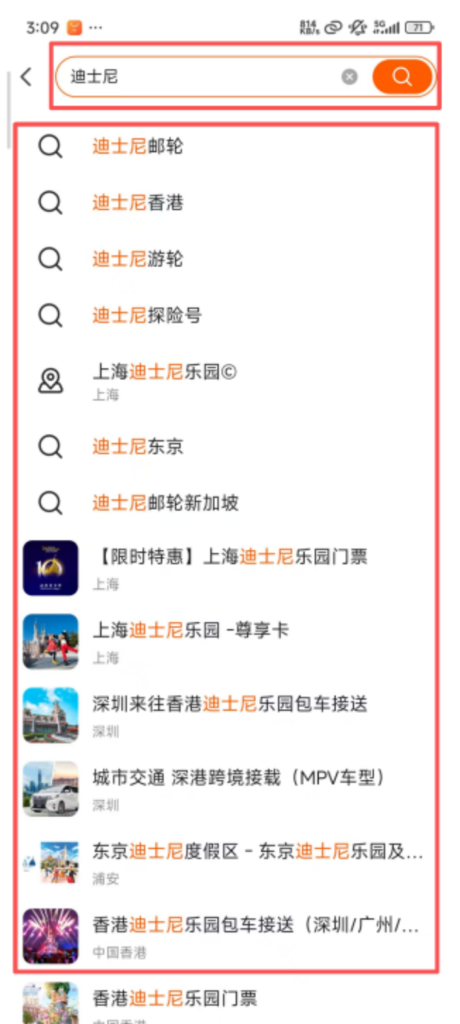
Search Function: Enter the name of the attraction or experience (such as ‘Disney’ or ‘Hot Spring’) in the top search box to quickly find target products; supports filter conditions (price range, user ratings, free cancellation, instant confirmation) to accurately lock in desired products.
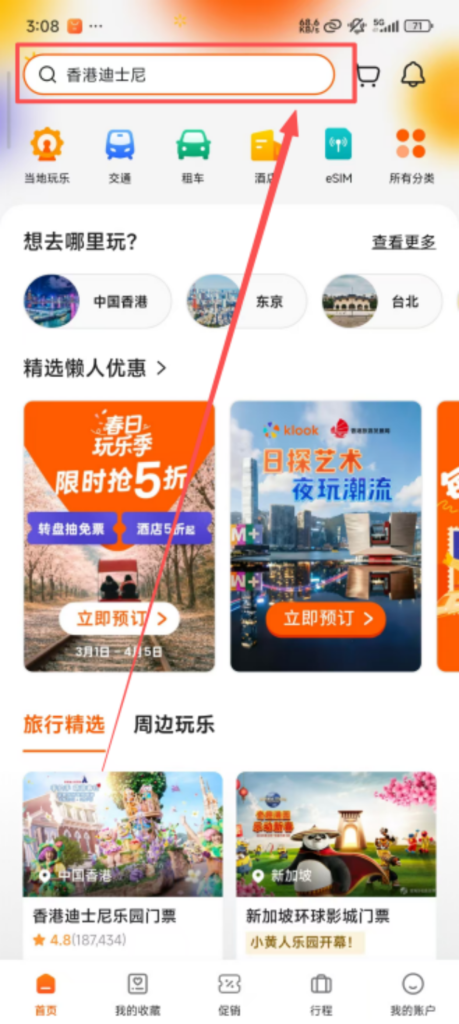
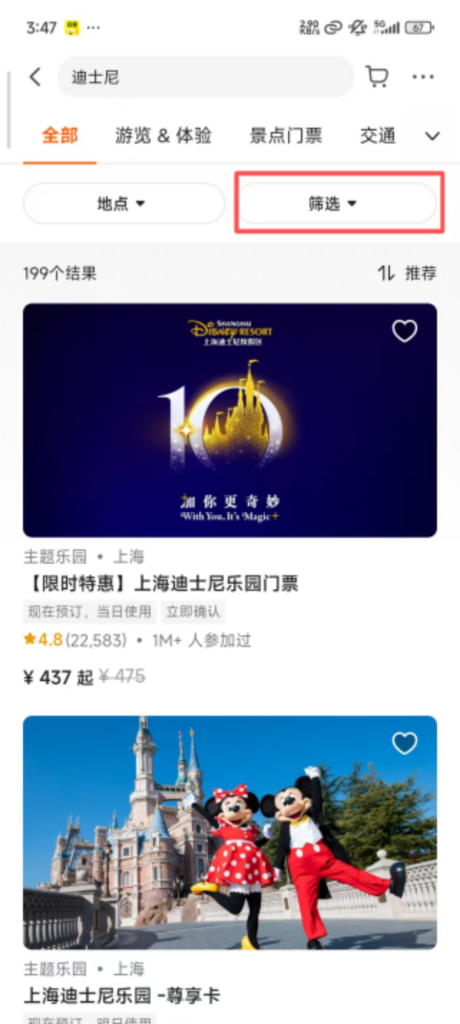
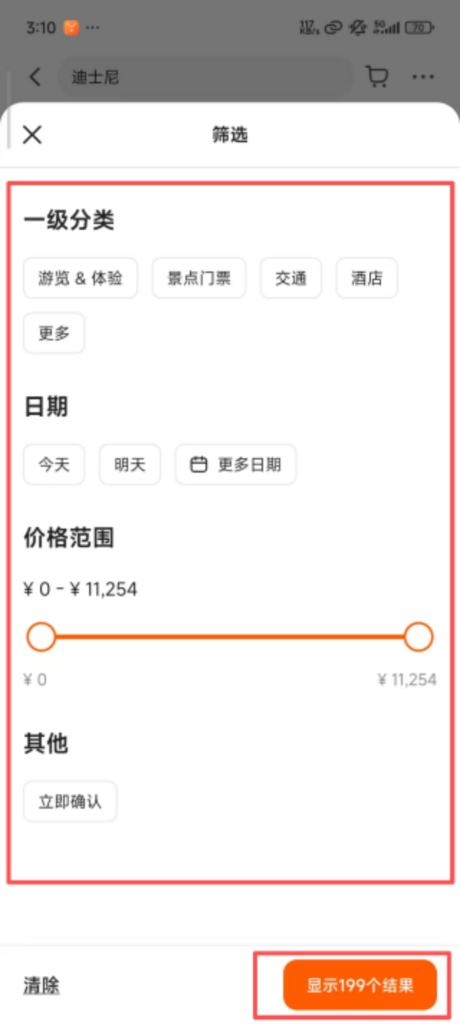
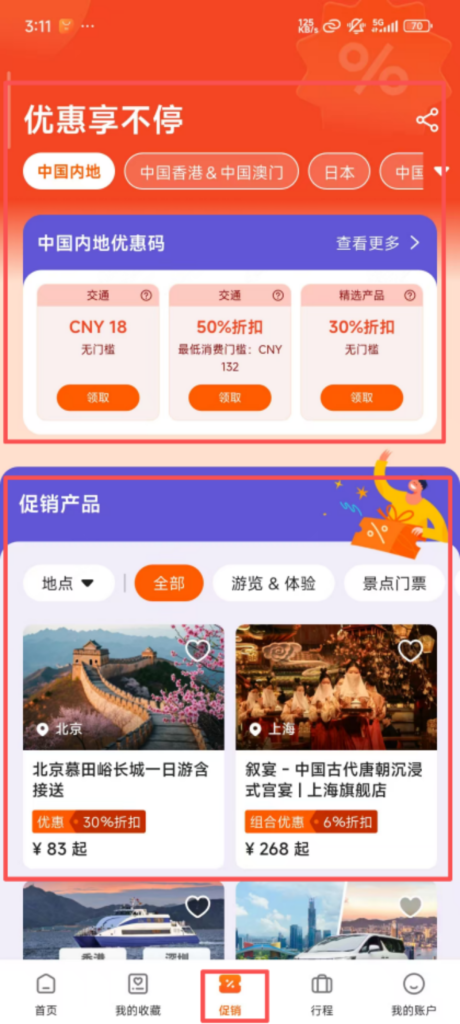
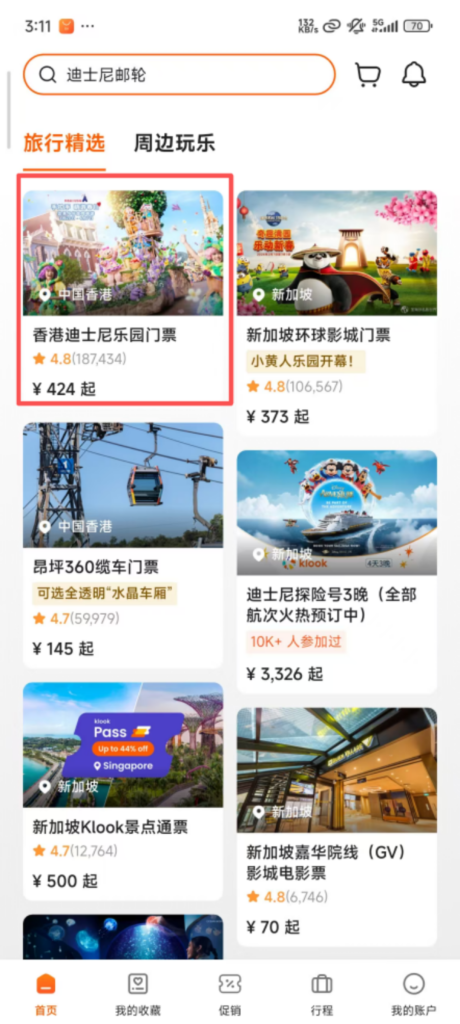
Popular Recommendations: The homepage displays local popular attractions, limited-time discount products, and high user-rated experiences. New users can prioritize viewing ‘New User Deals’ exclusive offers, which are more cost-effective.
2. Product Details and Booking
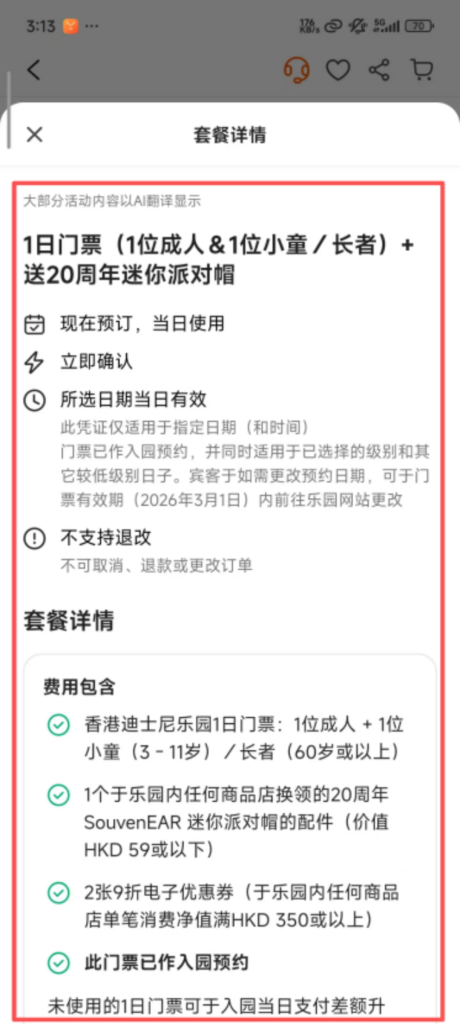
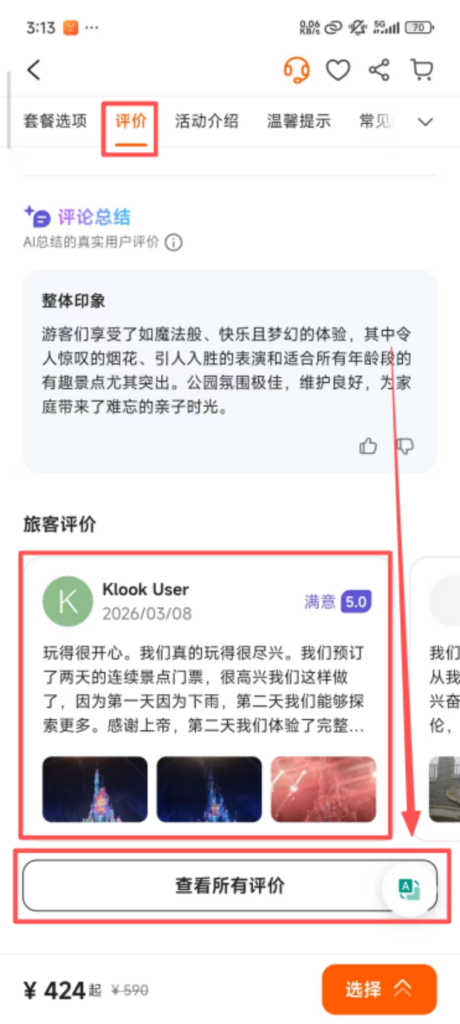
For details, click on the product to enter the detail page to view the product introduction (including itinerary, included services, usage rules), user reviews (including real photos and experience sharing), price details, and refund/change policies; some products offer video previews to intuitively understand the experience content.
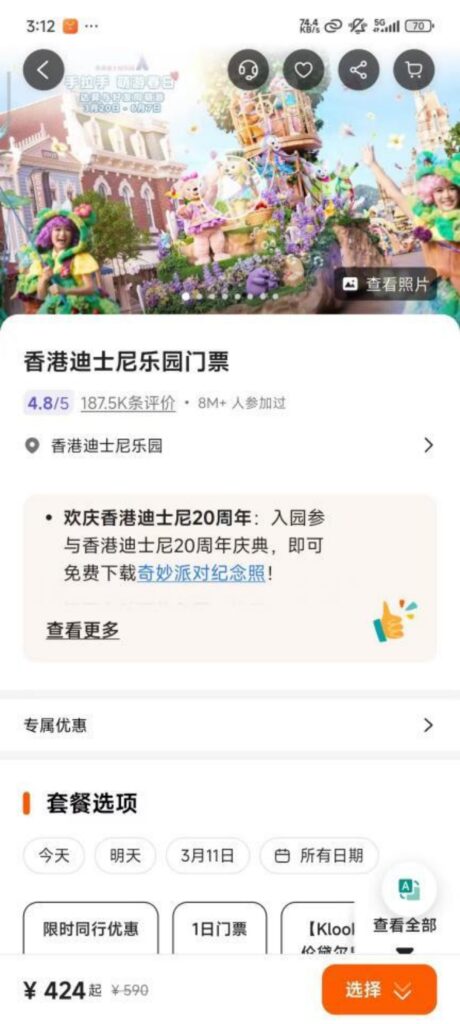
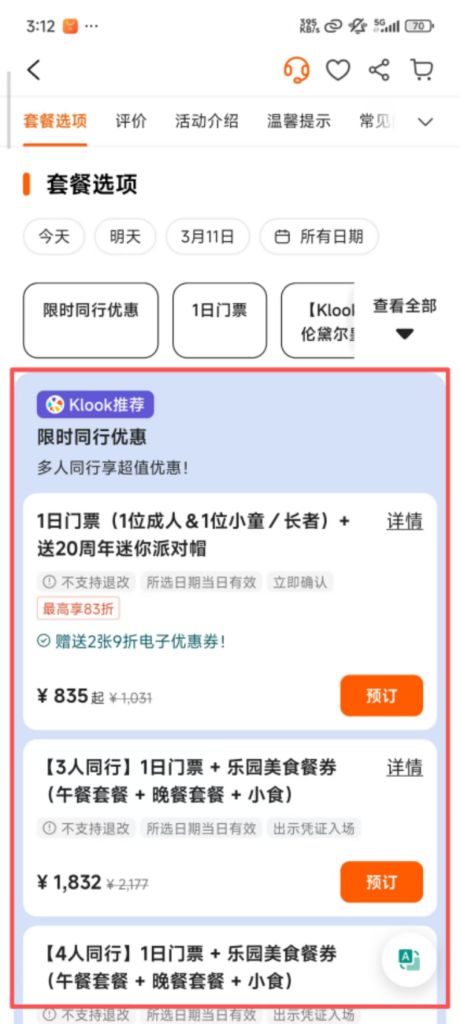
Date and number selection: Choose the travel date (calendar view supports checking available dates) and the number of participants (adults, children; some products offer discounts for children), with the system displaying prices in real time (group bookings may have group discounts).
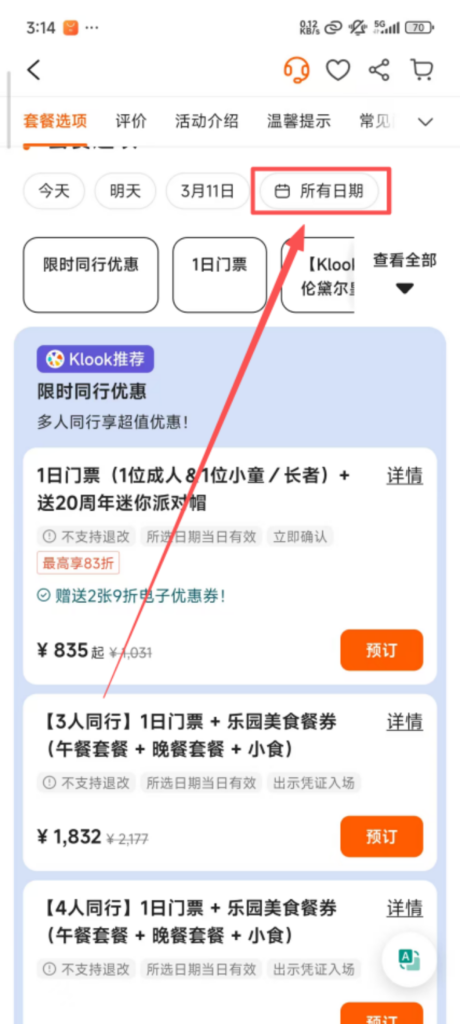
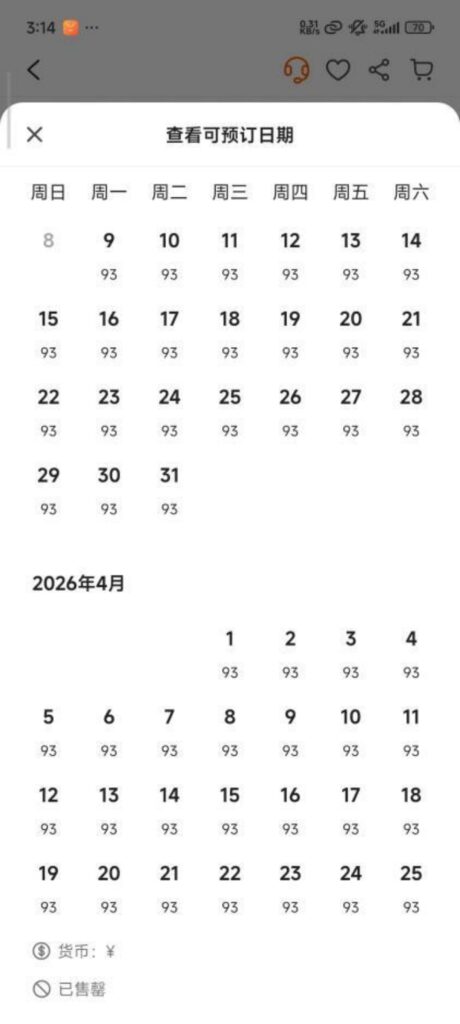
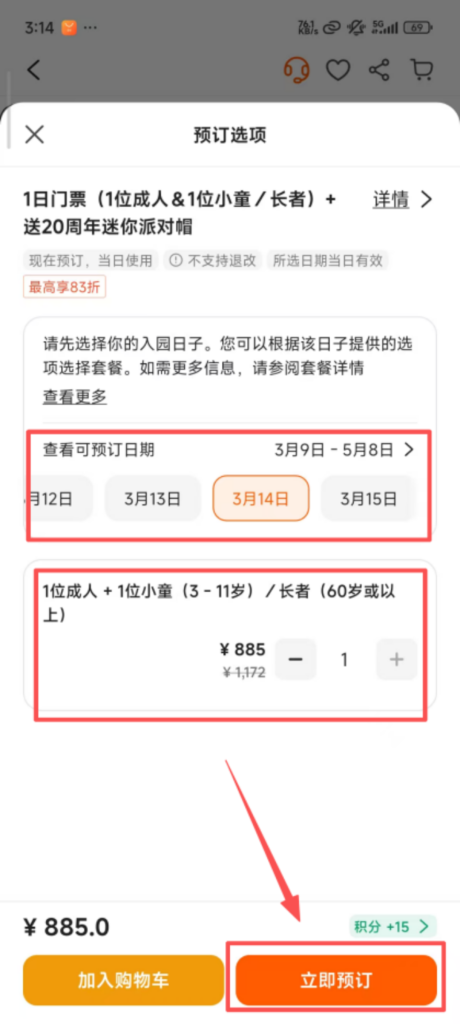
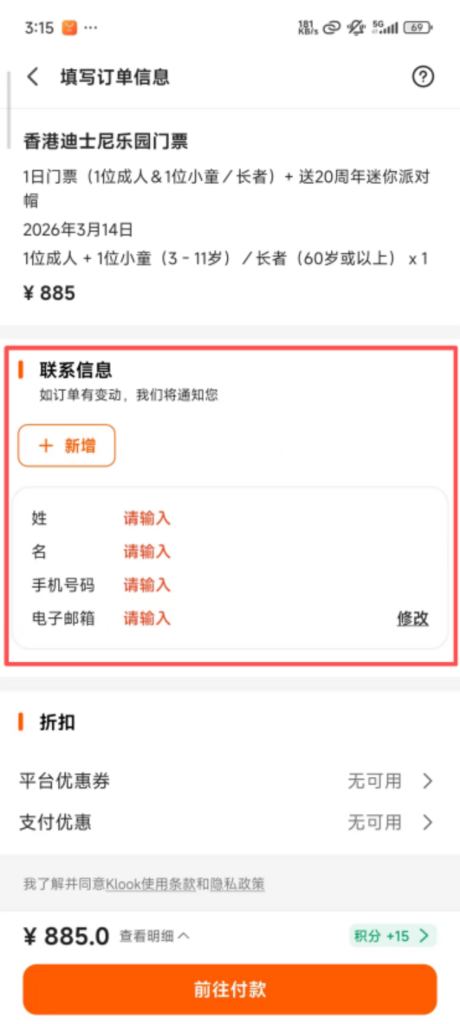
Booking Information Filling: Click ‘Book Now’ and fill in the contact information (name, phone number, email). Some products require filling in traveler information (such as passport number, date of birth), ensuring it matches the ID.
3. Payment and Electronic Voucher
Voucher Acquisition: After successful payment, the system immediately generates an electronic voucher (QR code or redemption code), sends it to the reserved mobile number/email, and also stores it in ‘My – Orders’. No printing is required; you can simply present it when traveling.
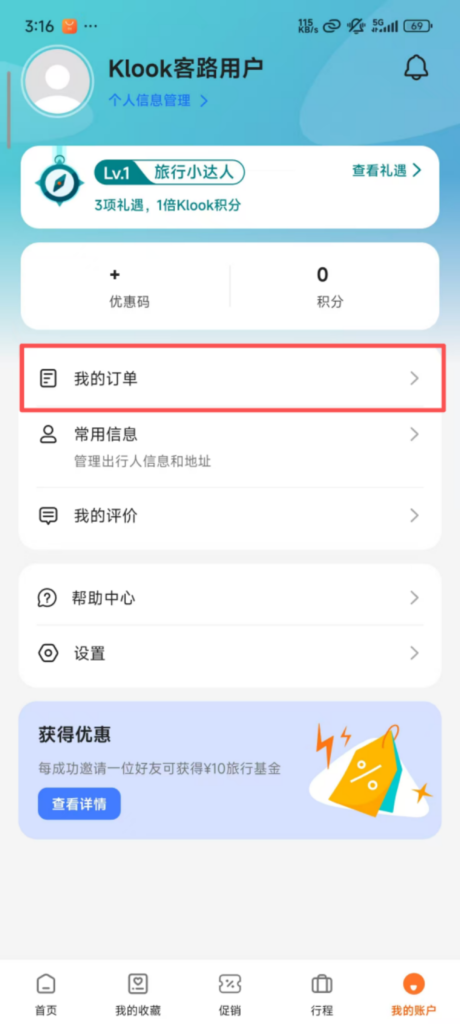
Order Inquiry: In ‘My – Orders’, you can view the order status (Confirmed / Pending Use / Used / Canceled), usage time, and electronic vouchers. It also supports sharing orders with fellow travelers, making it convenient for group travel.


